Feature Flags
Manage rollout of new features for specific users and organizations with Feature Flags.
In this guide, you’ll create and configure feature flags to control feature rollout for specific users and organizations. By the end, you’ll have a feature flag integrated into your application’s access token.
Feature flags separate feature delivery from code deployment, letting you control rollouts in real time. WorkOS Feature Flags integrates with your existing authentication flow – create flags in the dashboard and access them through the user’s access token. Common use cases include targeted rollouts, beta programs, and premium feature gating.
- Targeted rollouts: Enable features for specific organizations before a general release
- Beta programs: Allow early access to new features for select customers
- Premium features: Restrict advanced functionality to organizations on higher-tier plans
Make sure you have:
-
An existing organization in your WorkOS Dashboard
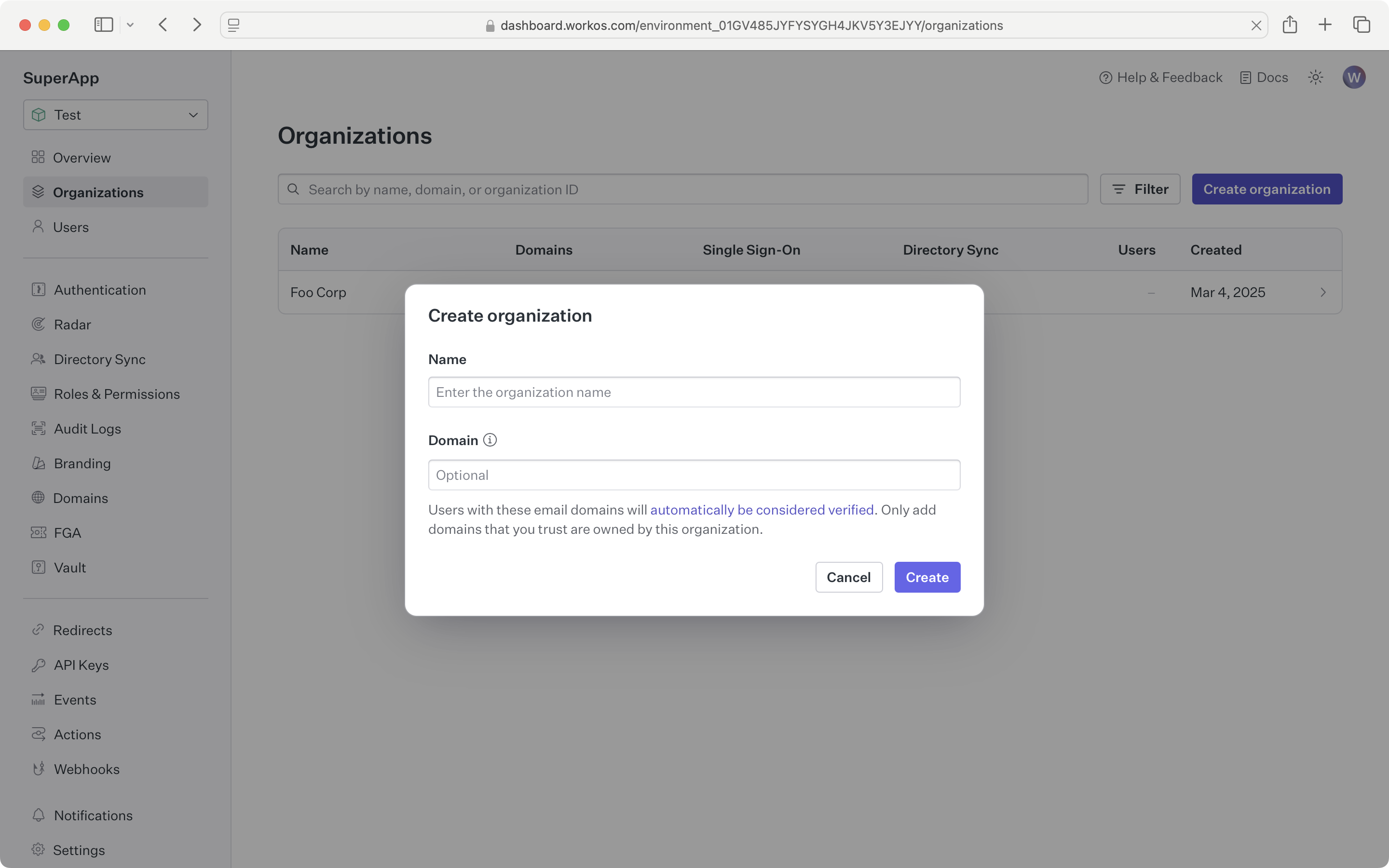
- Sign in to your WorkOS dashboard and navigate to the Feature Flags page.
- Click the
Create feature flagbutton and enter a name, slug, and description.
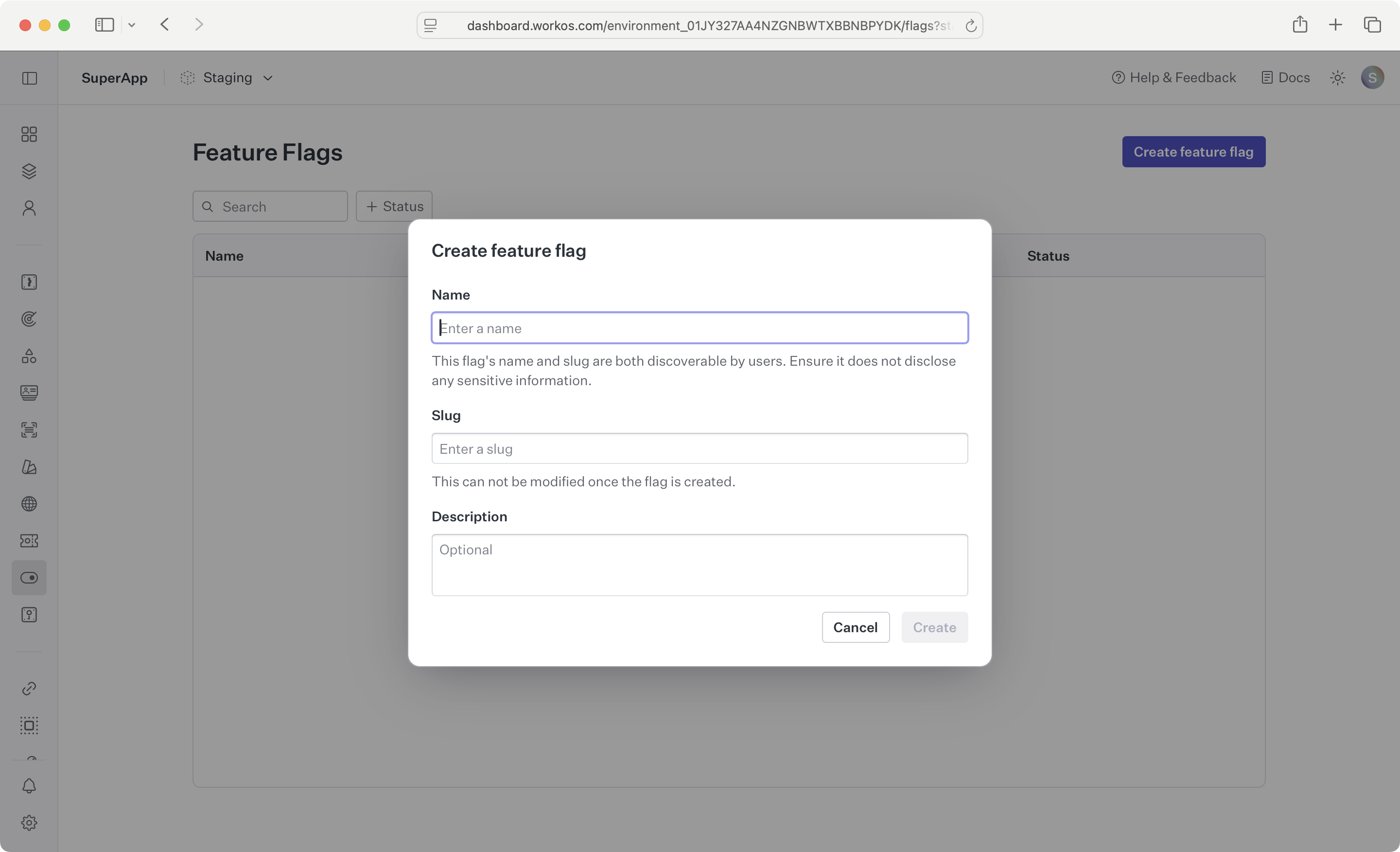
Feature flags are created across all environments, so you can test in a sandbox environment before enabling in production.
Click Edit on the rule for the environment you want to modify. Select your desired rule setting between None, Some, and All. Selecting Some allows you to target specific users and organizations.
To edit a feature flag’s rules in other environments, click the Edit in X button to switch your active dashboard environment and update rules there.
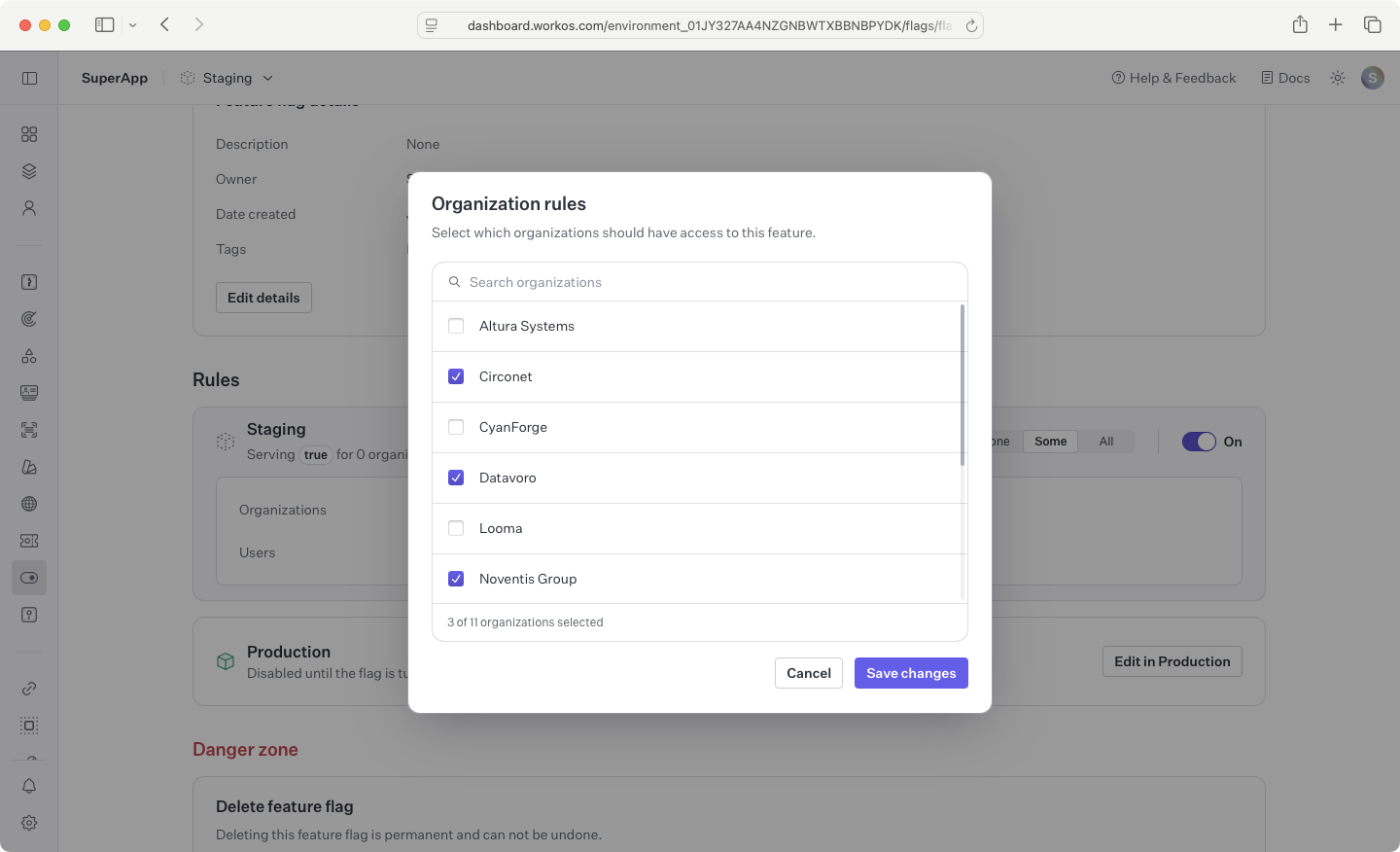
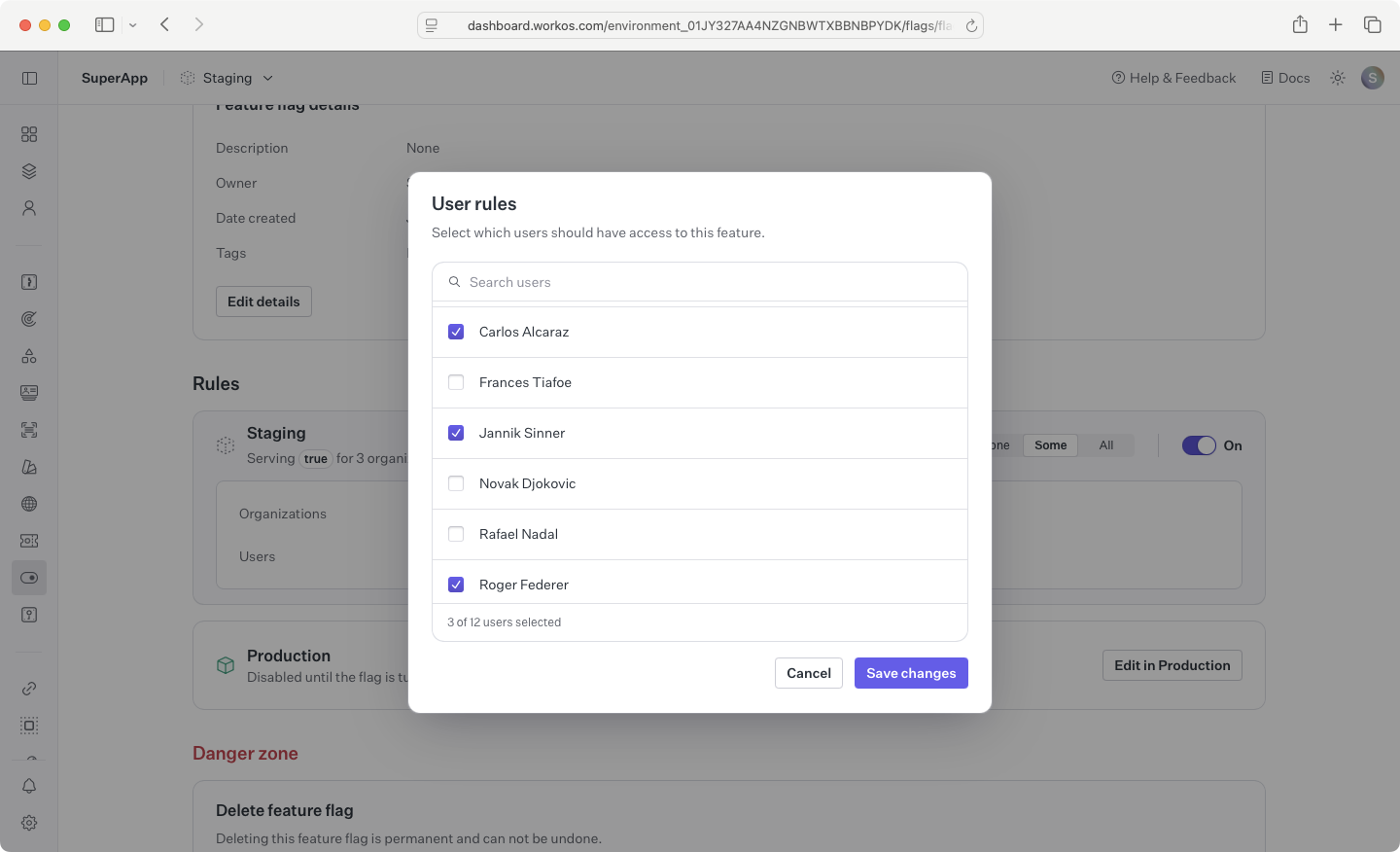
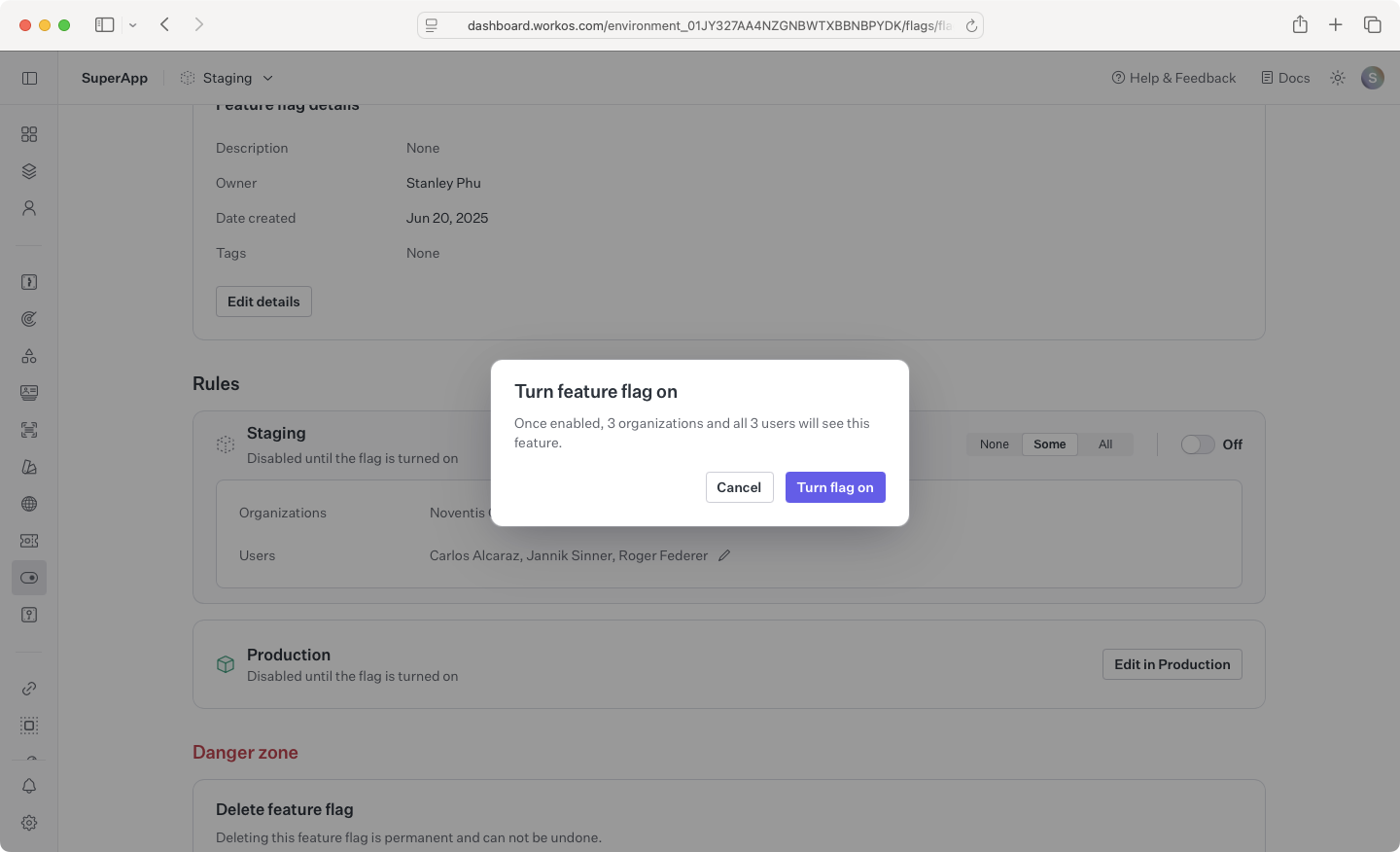
Toggle the flag on to start including it in a user’s access token when they authenticate for a configured organization or when the user is individually targeted.
Read the feature_flags claim from the access token to gate access to features in your application.
Feature flags appear in the access token the next time the user logs in or the session is refreshed. Manually refresh the session after granting organization access in the dashboard if needed.