Integrate with the API
Integrate the Admin Portal into your application using the WorkOS API.
Generate Admin Portal links programmatically to embed self-serve setup directly in your application.
Sign in to your WorkOS dashboard account to see code examples pre-filled with your test API keys and resource IDs.
Before getting started
Make sure you have:
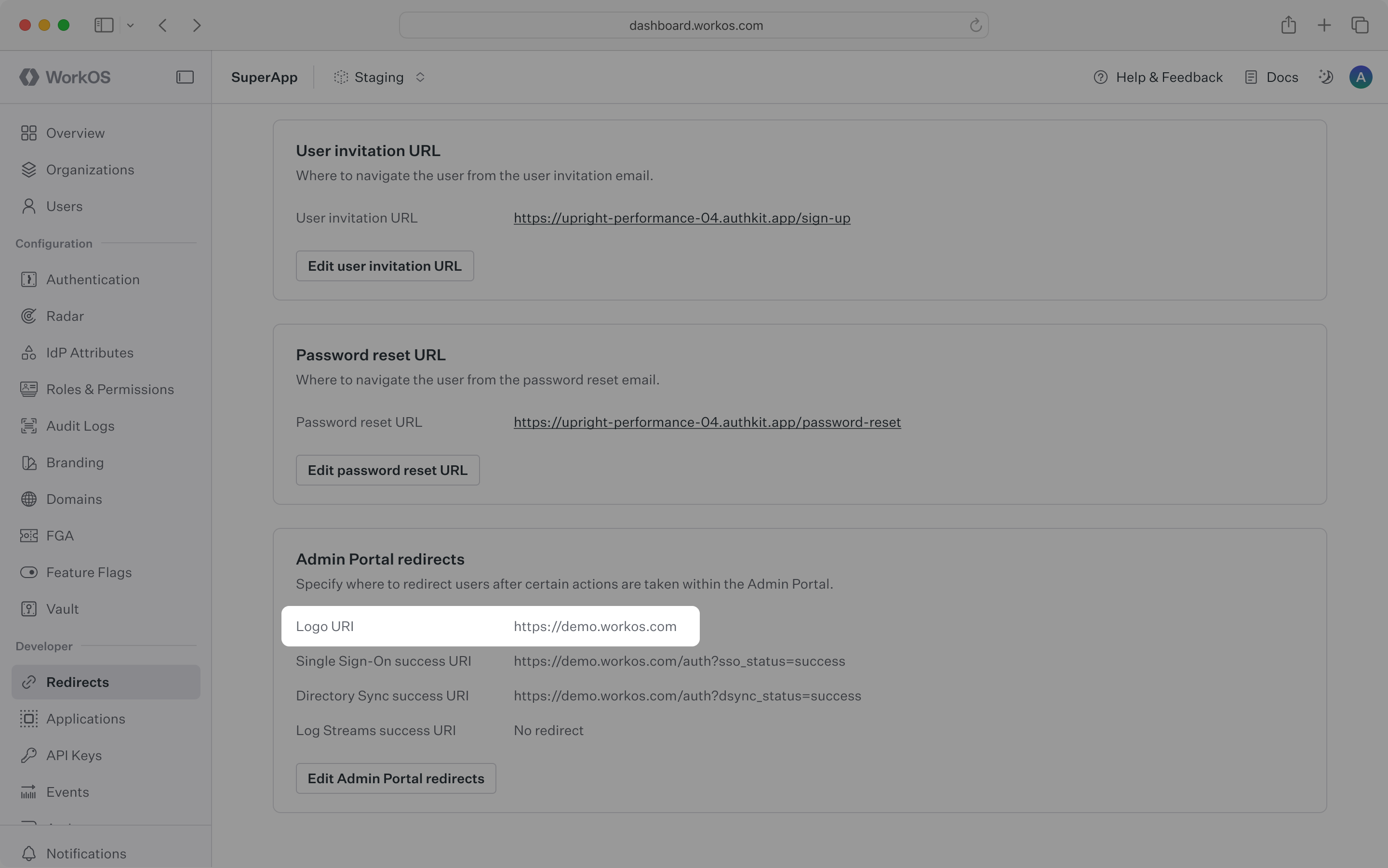
Configure your app’s default return URI in the production environment. A button in the Admin Portal uses this value to allow users to return to your app unless otherwise specified when generating the Admin Portal link.
Additionally, configure success URIs to redirect users upon successfully setting up Single Sign-On, Directory Sync, or Log Streams.
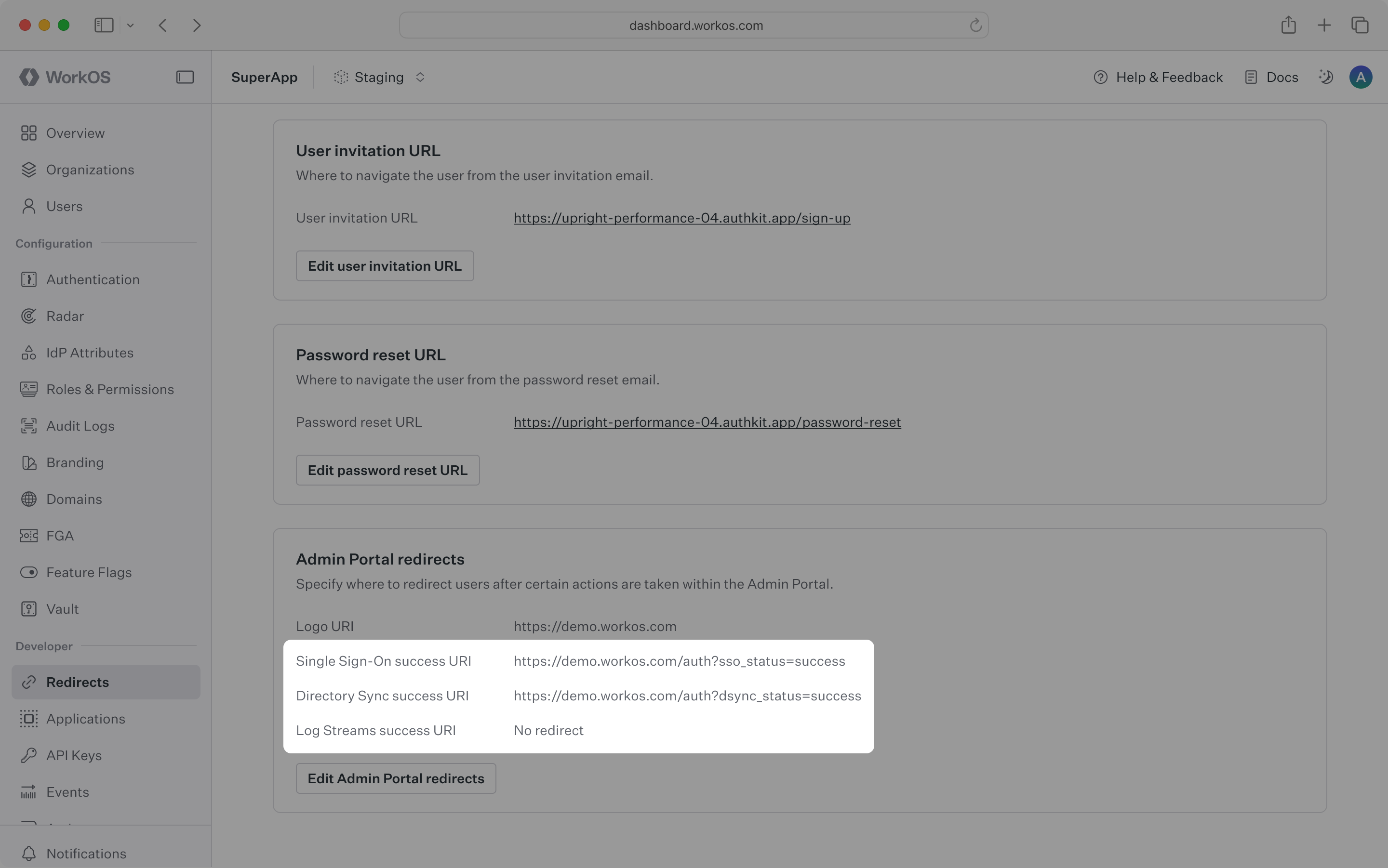
All redirect links must use HTTPS.
Configure these links in the dashboard.
WorkOS offers native SDKs in several popular programming languages. Choose a language below to see instructions in your application’s language.
Provide the API key and, in some cases, the client ID. Store these values as managed secrets and pass them to the SDKs either as environment variables or directly in your app’s configuration.
Each Admin Portal session is scoped to a specific organization resource, meaning a session can only manage connections belonging to its associated organization. Organizations may only have one connection.
For every customer that needs Admin Portal access, create an organization and maintain a reference to its ID.
Create an organization when onboarding a new customer.
A Portal link is the IT admin’s gateway to accessing the Admin Portal, where they can set up and manage resources scoped to their organization. To generate a Portal link using the API, provide the organization ID and specify one of the following intents: sso, dsync, audit_logs, log_streams, domain_verification, or certificate_renewal.
Portal links expire 5 minutes after creation for security reasons. Redirect users immediately – do not email Portal links.
Guard the endpoint that redirects a user to the Admin Portal with auth in your application and restrict it to IT admins.
An optional return_url parameter can specify exactly where a user should be sent after finishing in the Admin Portal. If not provided, the success URL configured on the Redirects page of the dashboard is used.