Set Up via Dashboard
Share an Admin Portal setup link with IT admins from the WorkOS dashboard.
Set up the Admin Portal from the WorkOS Dashboard to let your customers’ IT admins configure enterprise features.
The Admin Portal setup link gives your customer access to a guided configuration experience. It instructs them how to verify a domain, configure their identity or directory provider, and more. If successfully configured, no other action is required – verified domains and active connections appear under the organization.
Before getting started
Make sure you have:
Sign in to your WorkOS dashboard account and create a new organization to represent the enterprise you are onboarding.
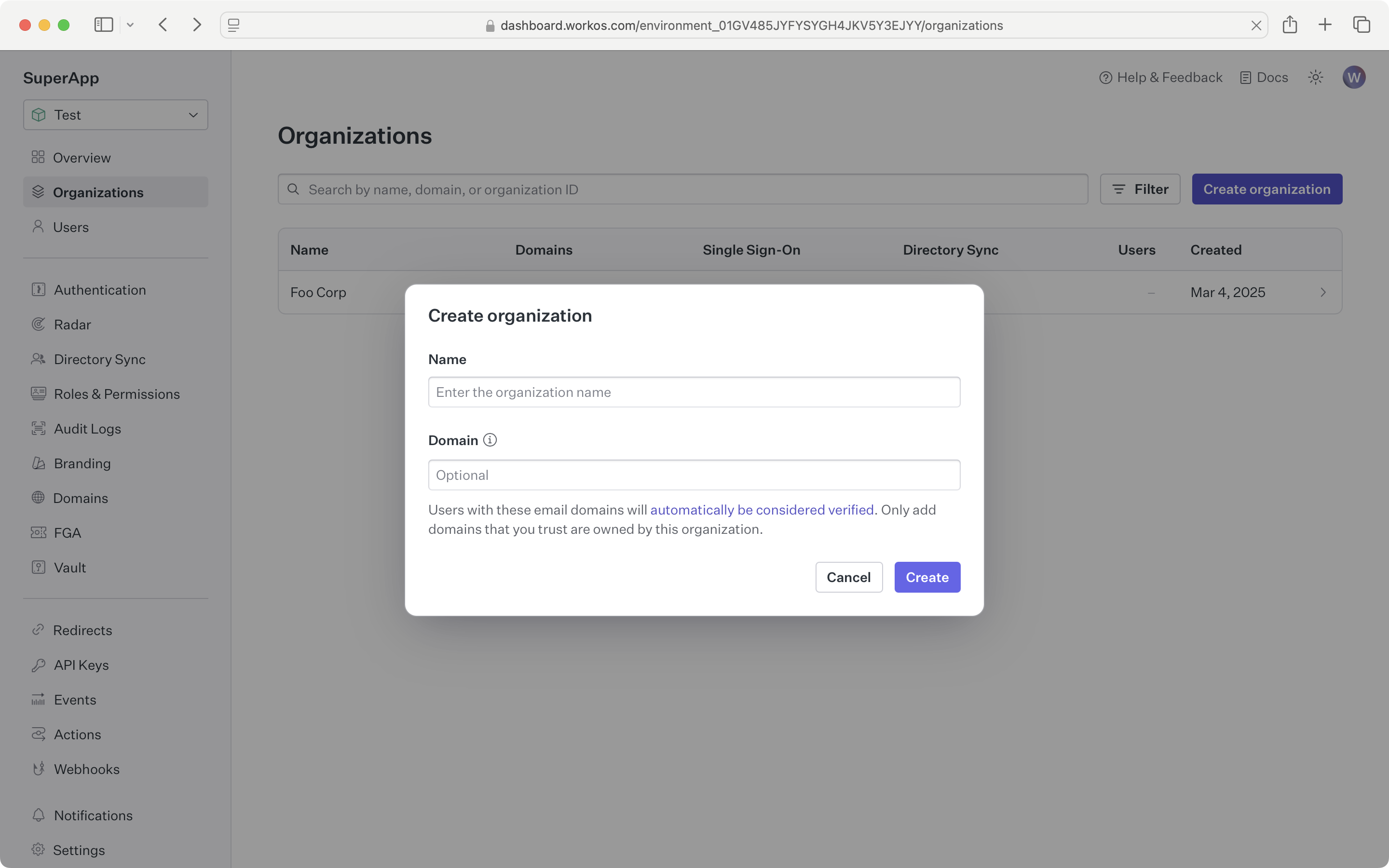
Click the “Invite admin” button, select the features to include, and then click “Next.” Enter the email of the IT admin for the organization to automatically send them a setup link, or click “Copy setup link.”
Decide whether the customer will be configuring Domain Verification, Single Sign-On, Directory Sync, Log Streams, or all of the above. Once generated, the link is valid for 30 days or until configured.
Only one link can be active at a time. After creating the initial link, click the “Manage” button to revoke the existing link before creating a new one.
If you chose to copy the setup link, share it over email, Slack, or direct message. Include details on what the link does and how long it remains active.