Editing Events
Modify existing event configuration with backwards compatibility.
Edit Audit Log event schemas to update targets and metadata definitions. WorkOS uses versioning to ensure backwards compatibility – when you modify an existing schema, a new version is created rather than overwriting the existing one.
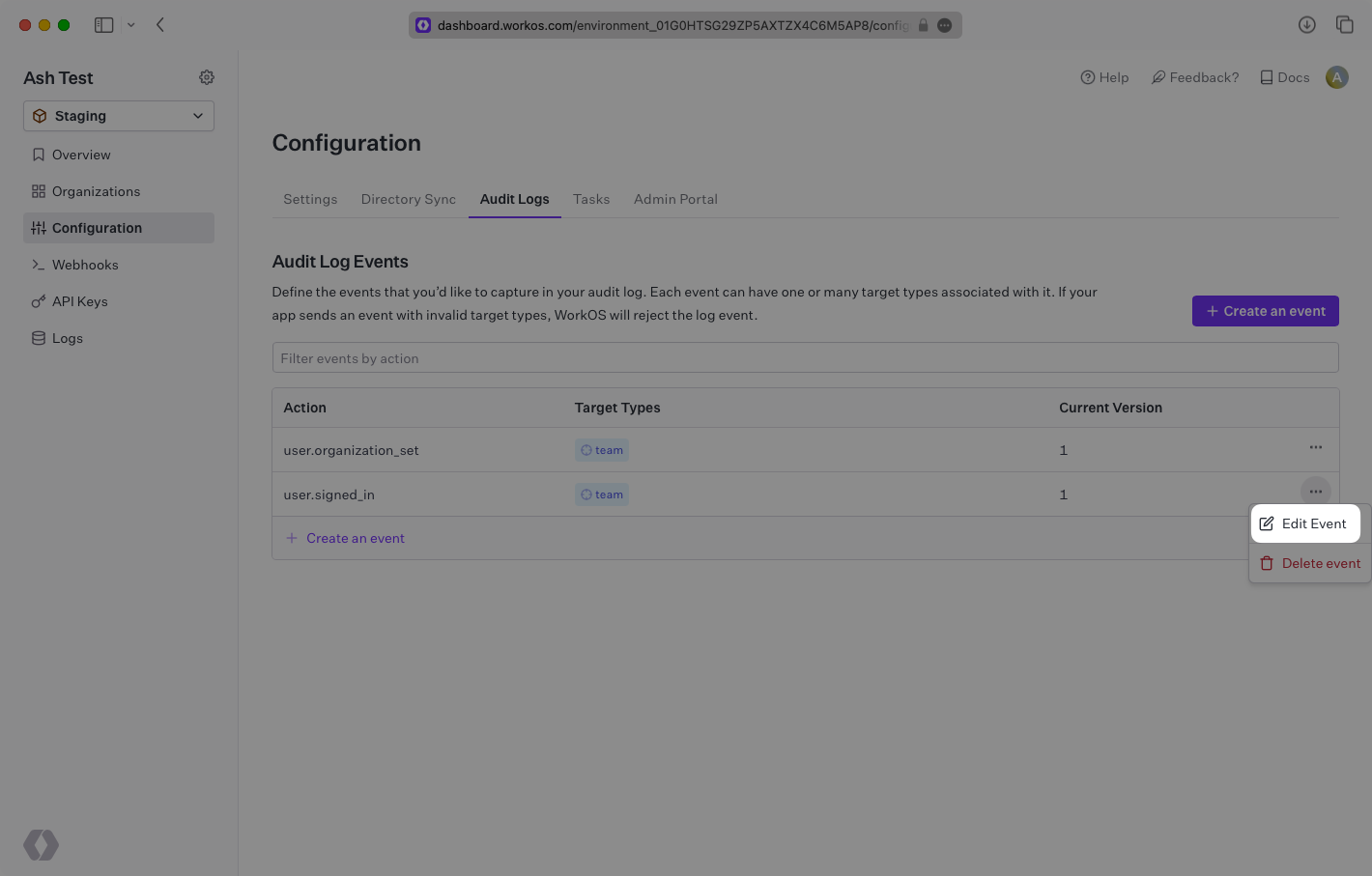
Navigate to the Audit Logs configuration page in the WorkOS Dashboard. Locate the event you want to modify and click the “Edit Event” item under the context menu.
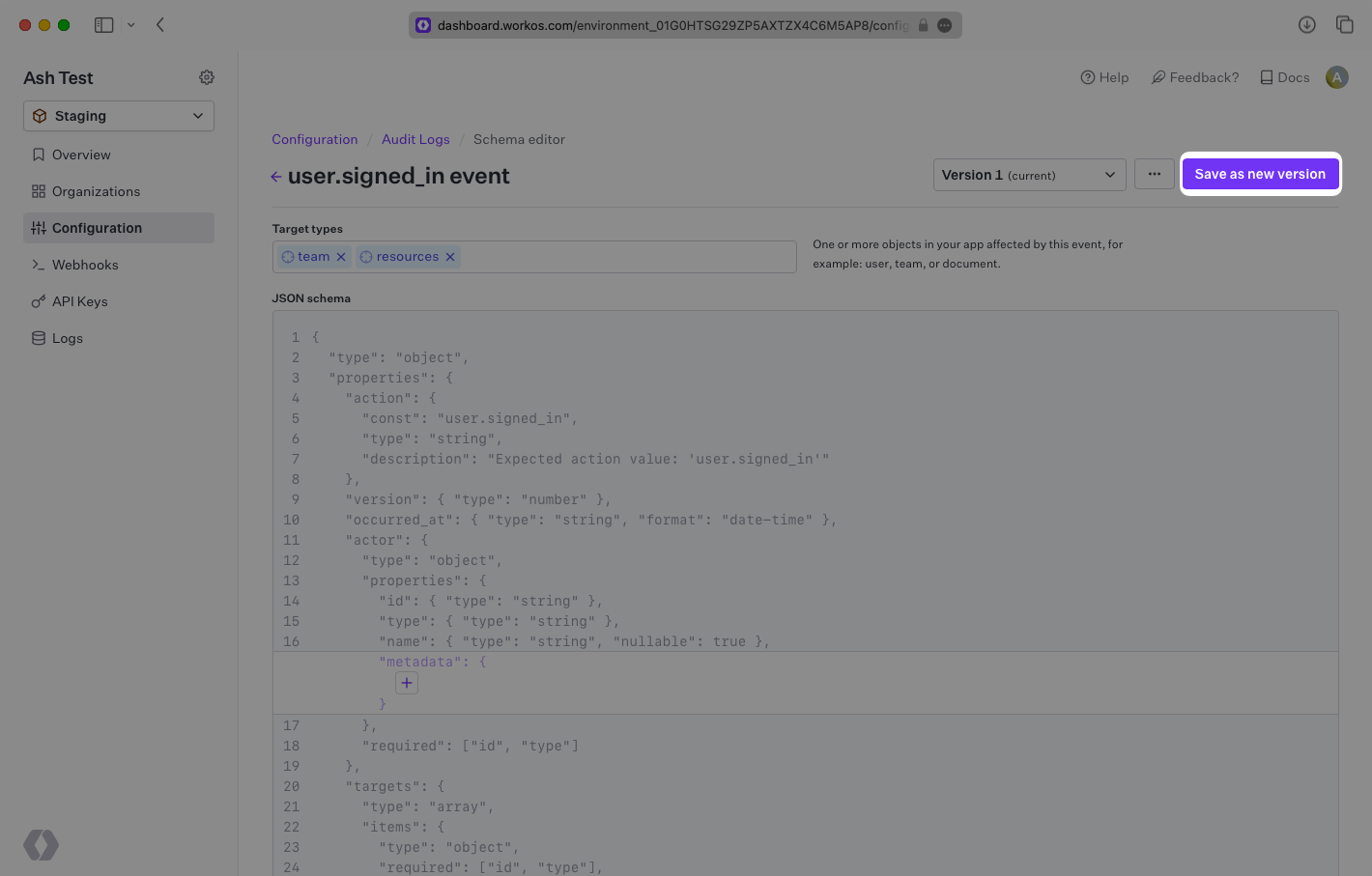
Edit both the targets associated with the event and, optionally, the metadata JSON schema. Click save to create a new version of the event schema.