Exporting Events
Export Audit Log Events through the WorkOS Dashboard and API.
Export Audit Log events as CSV files for compliance reporting and analysis. Create exports through the Dashboard or API, scoped to a single organization within a specified date range.
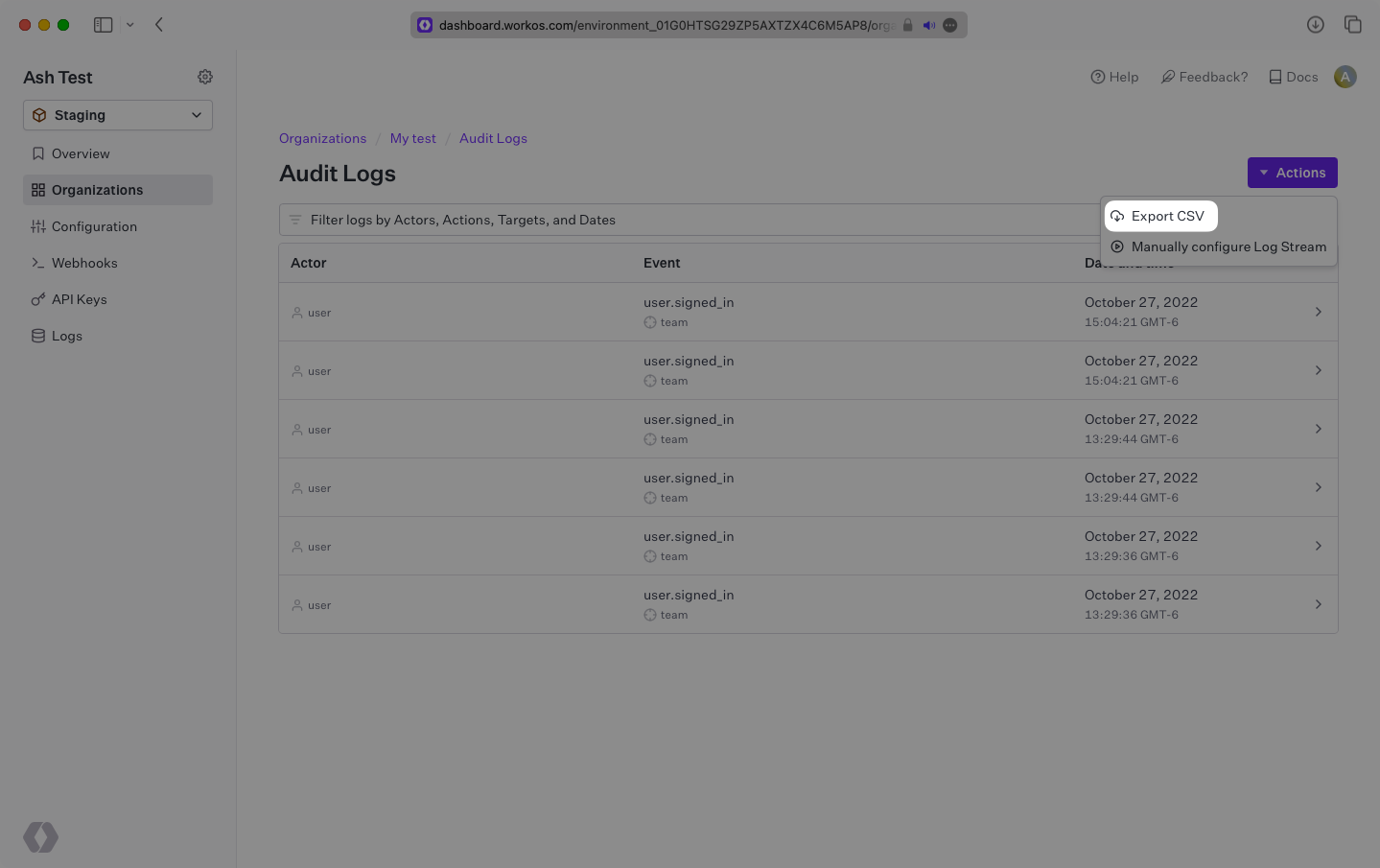
Navigate to the Organization page, view Audit Log Events, and select “Export CSV” from the “Actions” dropdown. Set your filters and select “Generate CSV file”.
Create an Export
After creating the export, fetch it to access the url of the generated CSV file.
The URL will expire after 10 minutes. If the export is needed again at a later time, refetching the export will regenerate the URL.
Fetch Export
If the state of the export is still pending, poll the export until it is ready for download.