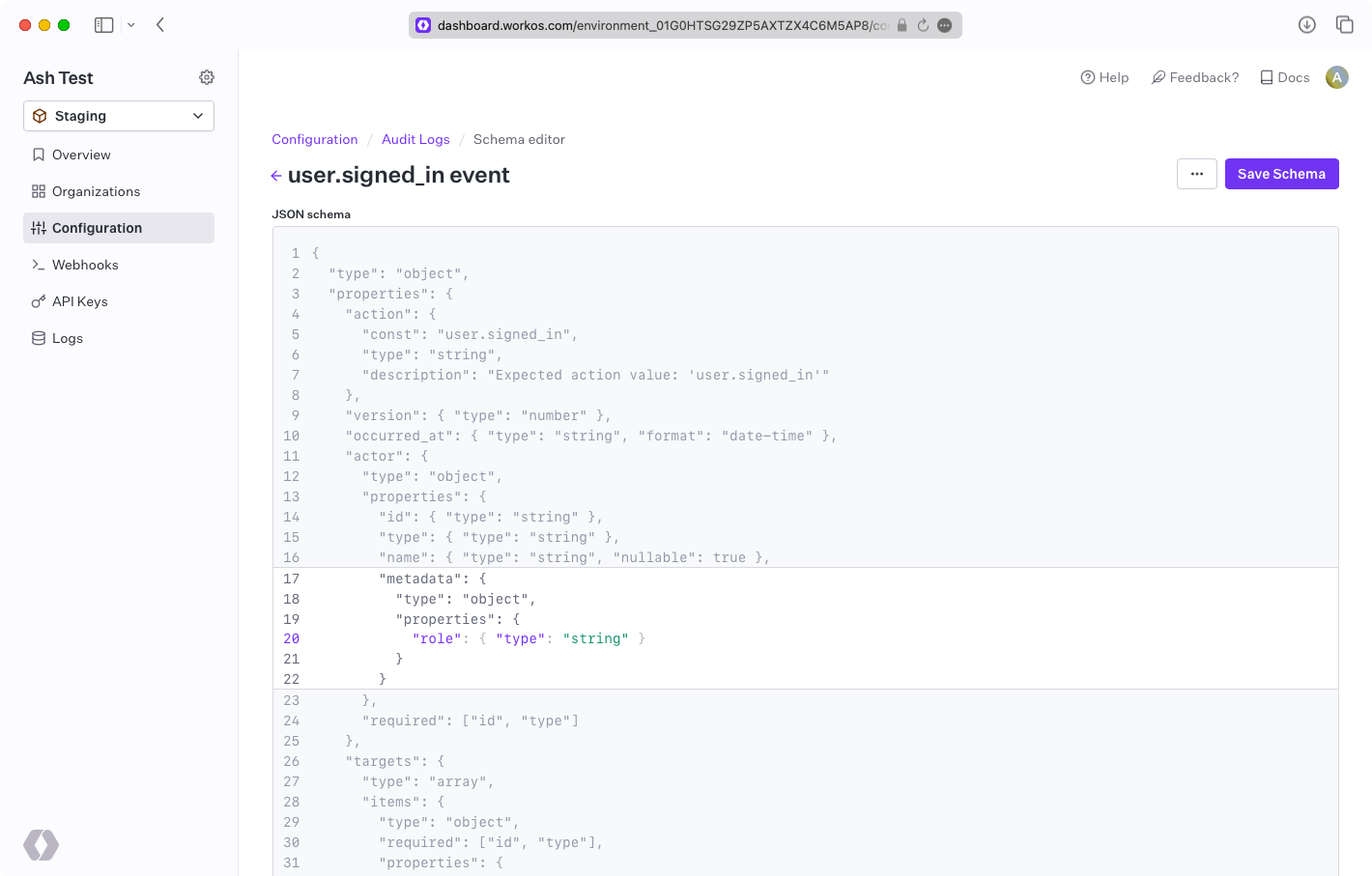
Metadata Schema
Define strict JSON Schema for validating event metadata.
Define metadata schemas to attach structured custom data to Audit Log events. Schemas enforce type safety and data consistency – events that do not match the provided schema return an error.
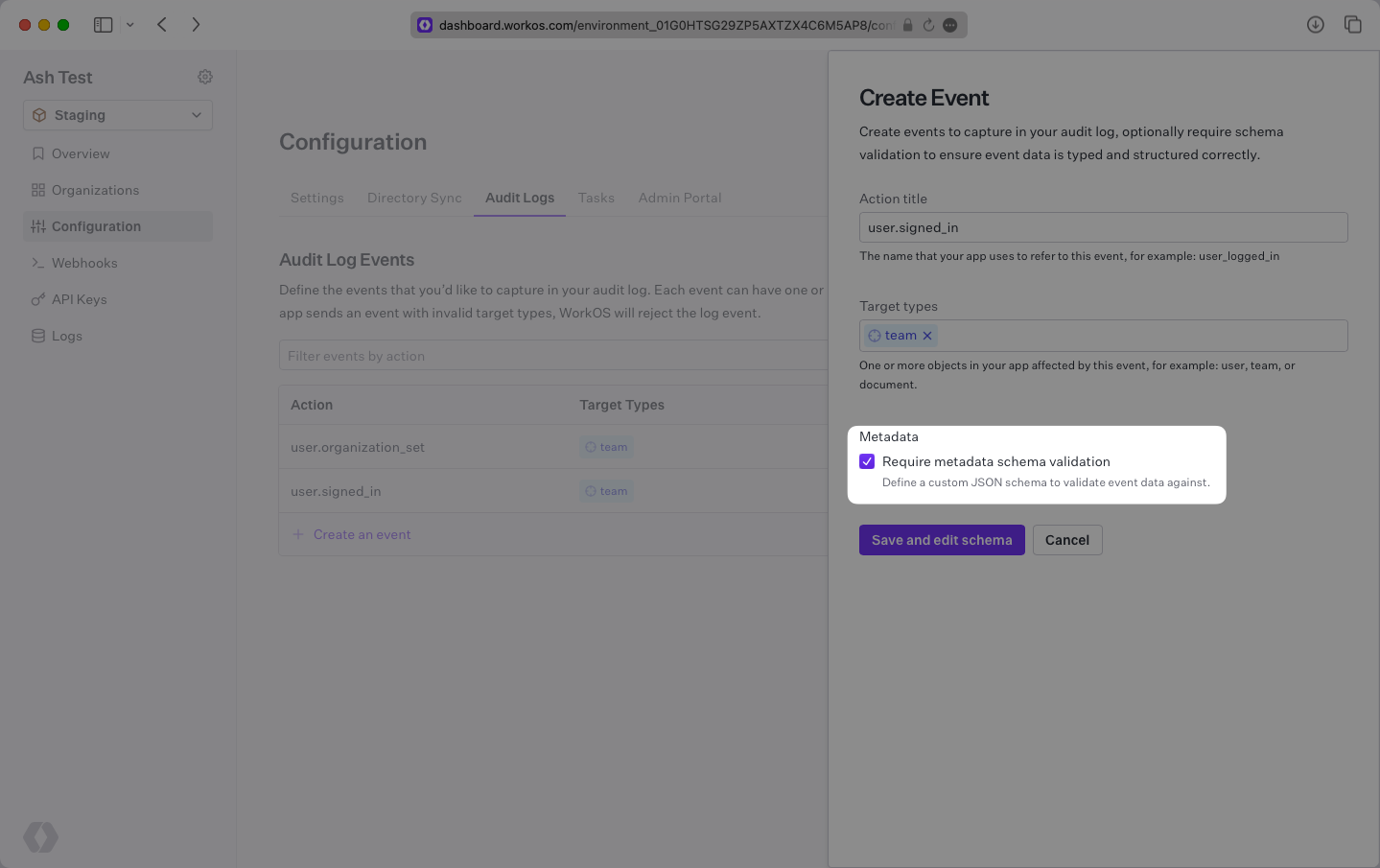
To add a schema, check the “Require metadata schema validation” checkbox when creating an event schema. This opens the schema editor where you can modify the underlying JSON Schema for all metadata objects.
Locate the metadata objects at the root of the event and within actor and targets objects. Each can contain a unique JSON Schema. Click the ”+” sign to add to a metadata object.
Metadata objects have a limit of 50 keys. Key names can be up to 40 characters long, and values can be up to 500 characters long.