Login Flows
Learn the differences between SP‑initiated and IdP‑initiated SSO.
SSO supports two distinct login flows depending on where the user begins the authentication process. Understanding the differences between these flows is important for designing a complete SSO integration.
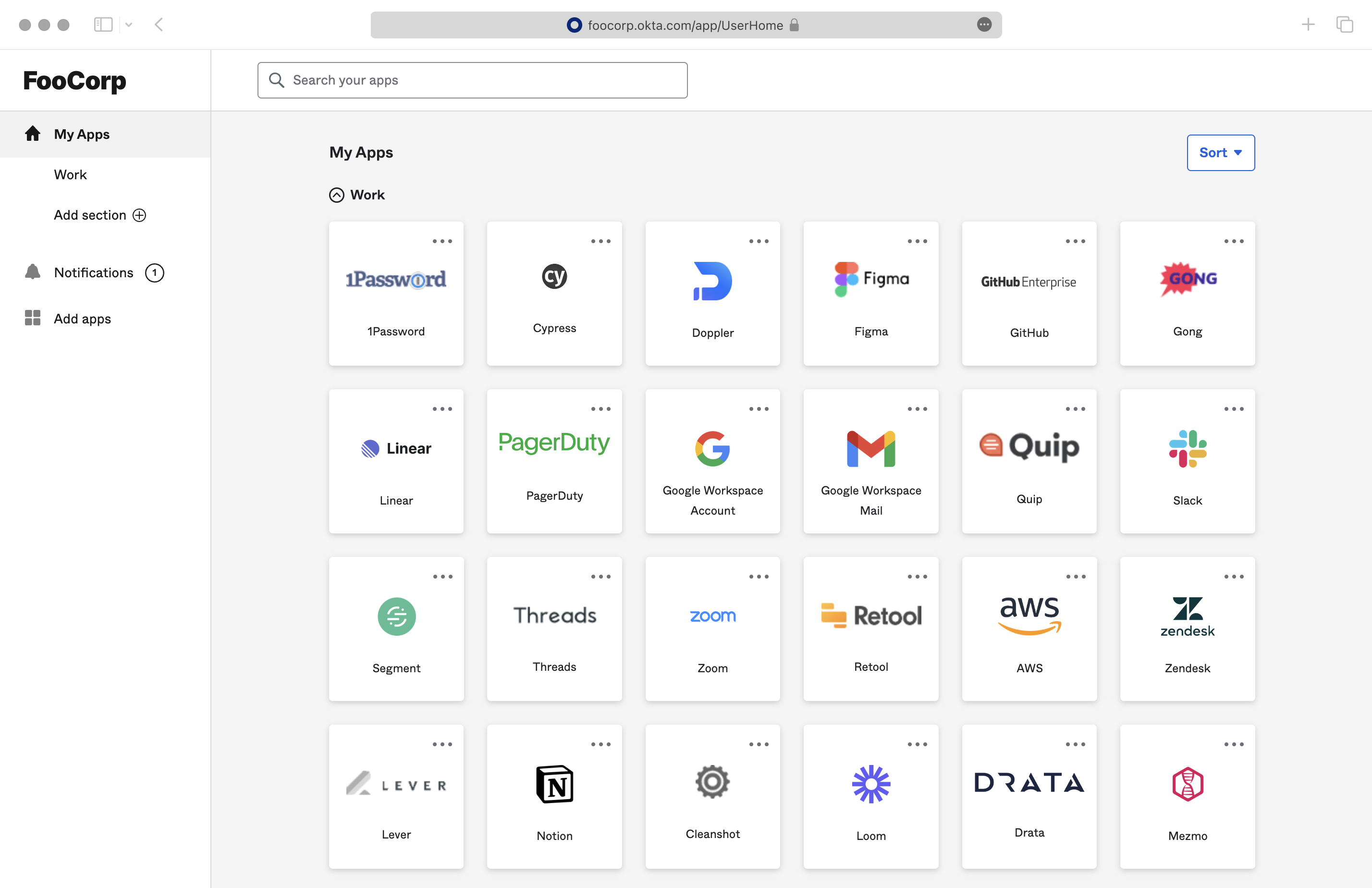
In SP-initiated SSO, users start from your application and are redirected to their Identity Provider. In IdP-initiated SSO, users start from their Identity Provider’s dashboard and navigate to your application. Most organizations provide an IdP dashboard where employees can select applications, similar to the screenshot below.
With an SP-initiated login flow, the user begins the authentication process from the application. The destination after login is controlled by specifying the redirectURI parameter when making the Get Authorization URL call. Additionally, this call accepts an optional state parameter – this parameter is returned in the callback after authentication, where the application can use it to verify the validity of the response or to pass any state from the originating session. One common practice is to route requests from different Organizations to a single Redirect URI, but utilize the state parameter to deep link users into the application after the authentication is completed.
When the Quick Start guide instructions are followed, IdP-initiated login flows are automatically available, and users can find a tile for the application within their IdP, similar to the screenshot above. Clicking on the tile sends an IdP-initiated SSO response to the application’s callback endpoint.
Since IdP-initiated flows do not generate a customized authorization URL the way SP-initiated flows do, there is no way to dynamically pass the redirectURI and state parameters to the application’s callback. By default, users are redirected to the default Redirect URI upon a successful login. However, IdP Administrators can customize the redirect destination by configuring a default RelayState in the IdP and including a redirect_uri parameter in it. The URI must be specified in the format of a URL parameter: redirect_uri=uri, and the URI must be one of the Redirect URIs specified in the WorkOS Dashboard. Any other values in the IdP’s RelayState are ignored and discarded.
The application can also retrieve the Profile object for the user upon successful authentication. If the IdP is unable to provide a redirect_uri in its default RelayState, or if a custom redirect URI needs to be generated for each user after they sign in, the Profile object can be used to dynamically generate one.
The Profile object includes the connection_id which identifies the connection that the profile is associated with in WorkOS. The connection information is the recommended approach for routing requests in an IdP-Initiated flow.
WorkOS has recently added Beta support for fully disabling IdP-initiated SSO logins for a connection. Once disabled, any attempted IdP-initiated requests fail with an idp_initiated_sso_disabled error.
Disabling IdP-initiated SSO is currently in invite-only beta, please reach out to WorkOS support if you’d like to use it or learn more about it.
For applications that need to support IdP-initiated workflows but want to mitigate the security risks of unsolicited SAML responses, WorkOS recommends the following approach:
- Disable IdP-initiated SSO for the connection.
- Adjust the callback method to capture the
idp_initiated_sso_disablederror. - Start a new SP-initiated request from the callback when the error is detected.
The error callback includes the connection and organization IDs, which can be used to request a new authorization URL for the SP-initiated request. The new request is generally transparent to the user, as they are already logged in to the Identity Provider.
For implementation guidance, see the SSO Quick Start for the standalone API or AuthKit for a complete authentication platform with built-in SSO support.