Segment
Send AuthKit events to Segment destinations.
The Segment AuthKit Add-on registers AuthKit as a Segment source to receive events about logins, sign-ups, and many other AuthKit activities. This data can be forwarded to Segment destinations, enabling better understanding of marketing campaign effectiveness and users’ full journeys across the website and AuthKit.
To use the Add-on, the Authentication API Domain must share the same root as the domain where Segment is set up through Analytics.js. This gives the Add-on access to users’ anonymous IDs, which it uses to identify users.
For example, if the Segment Analytics.js script lives at www.example.com:
- Valid: auth.example.com is a valid Authentication API Domain
- Invalid: auth.workos.com is not a valid Authentication API Domain
In the WorkOS Dashboard, click the Authentication icon in the sidebar, then click Add-ons.
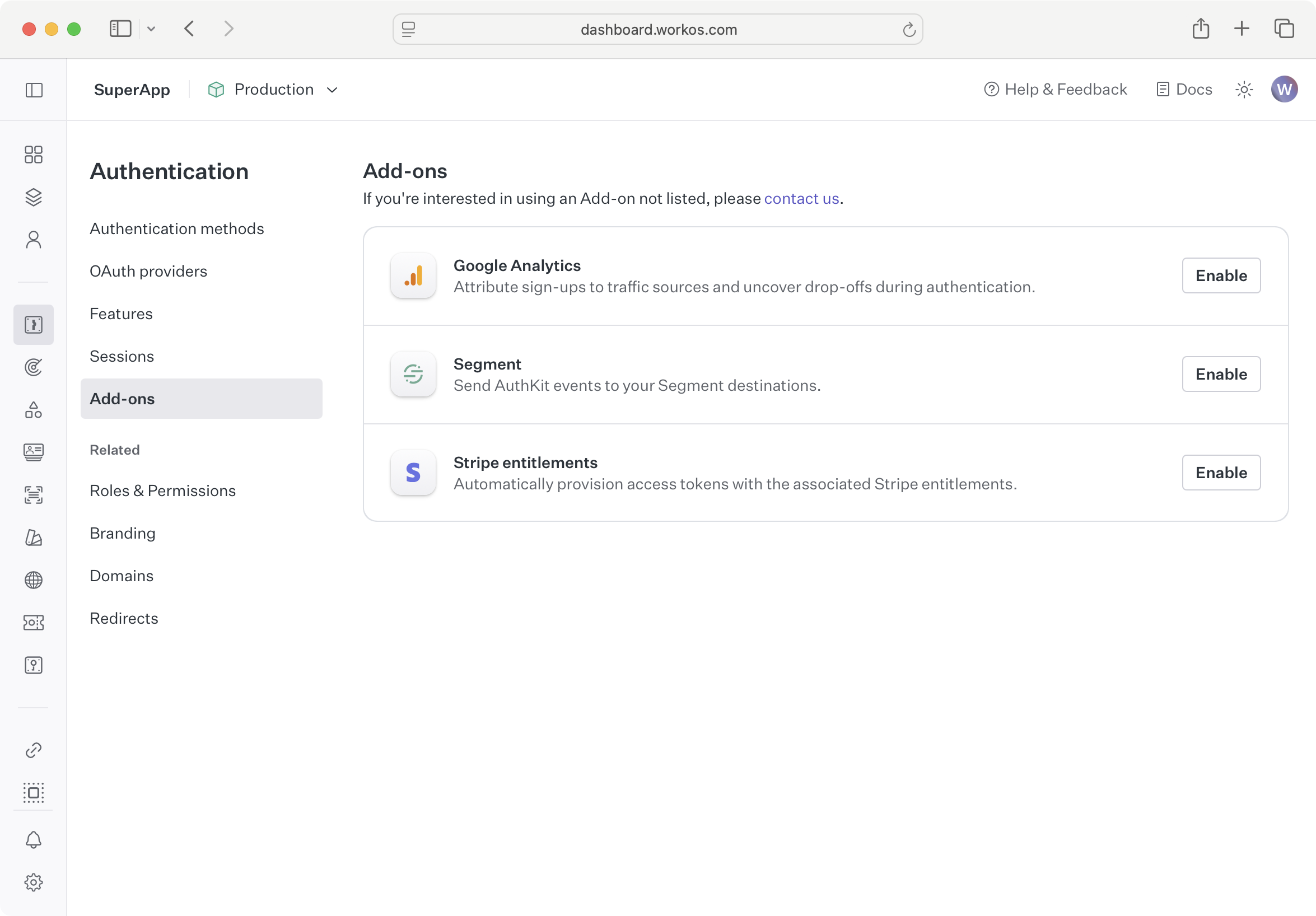
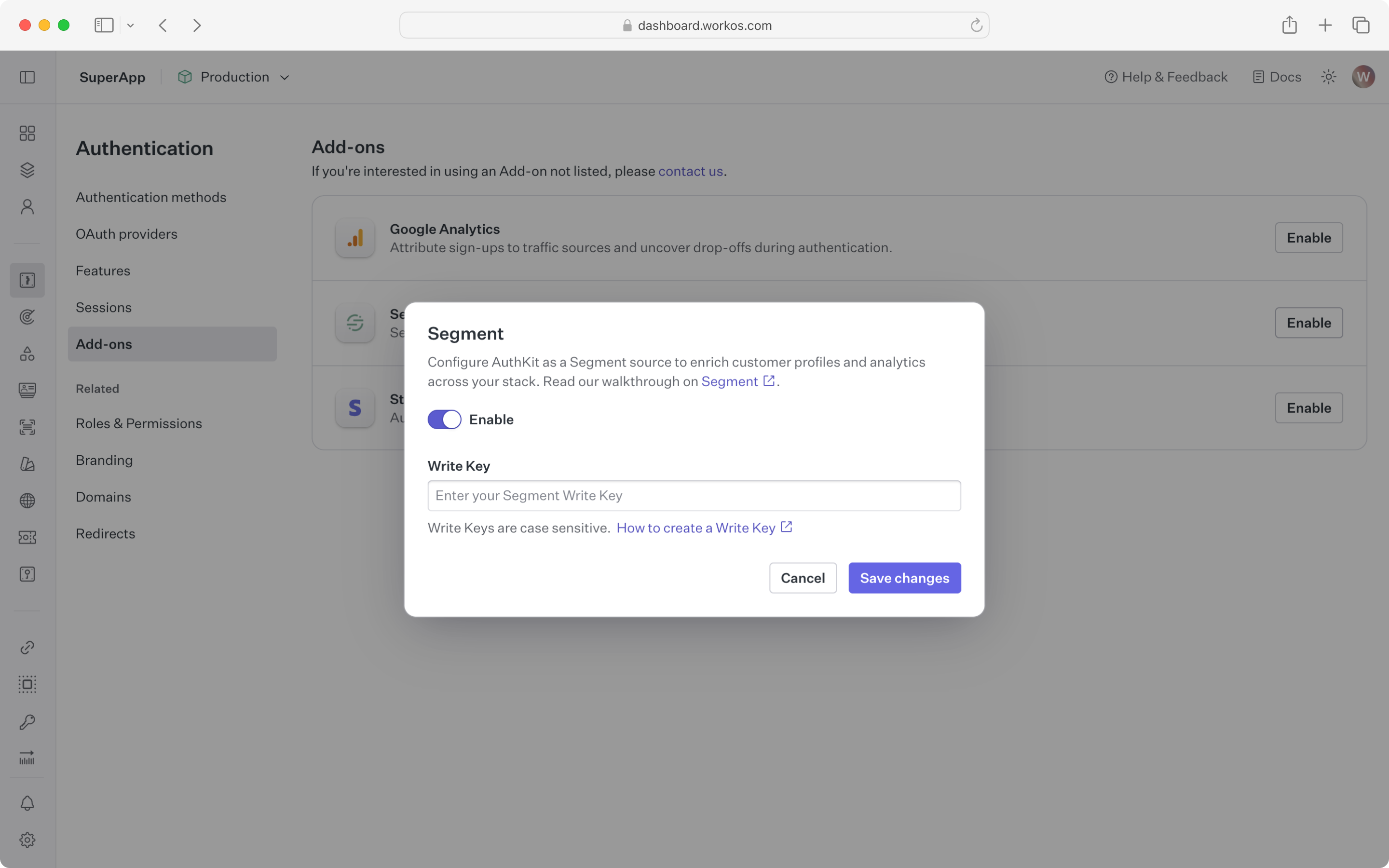
Click Enable next to Segment.
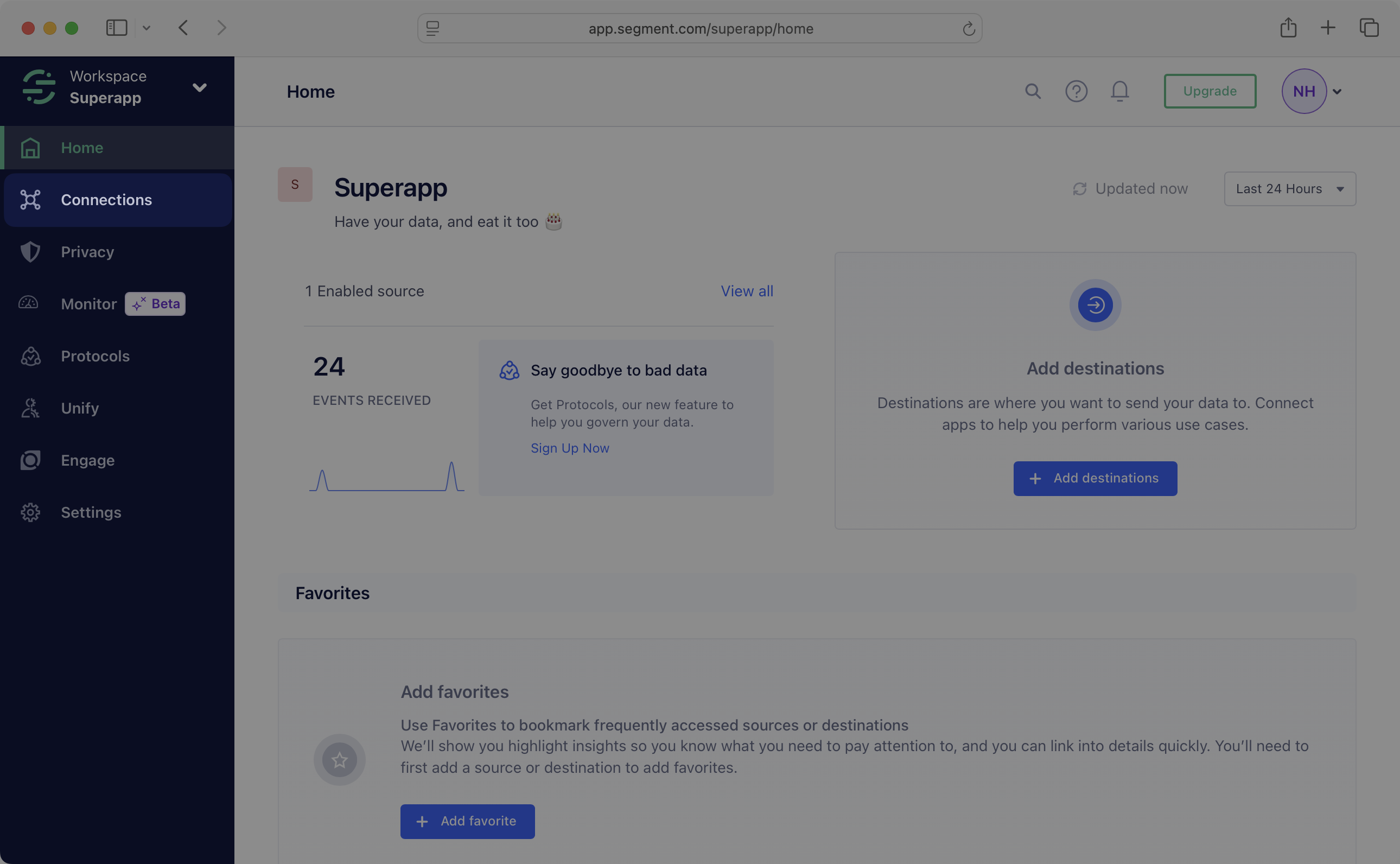
In another browser tab, visit Segment to get the credentials. Click Connections in the left sidebar.
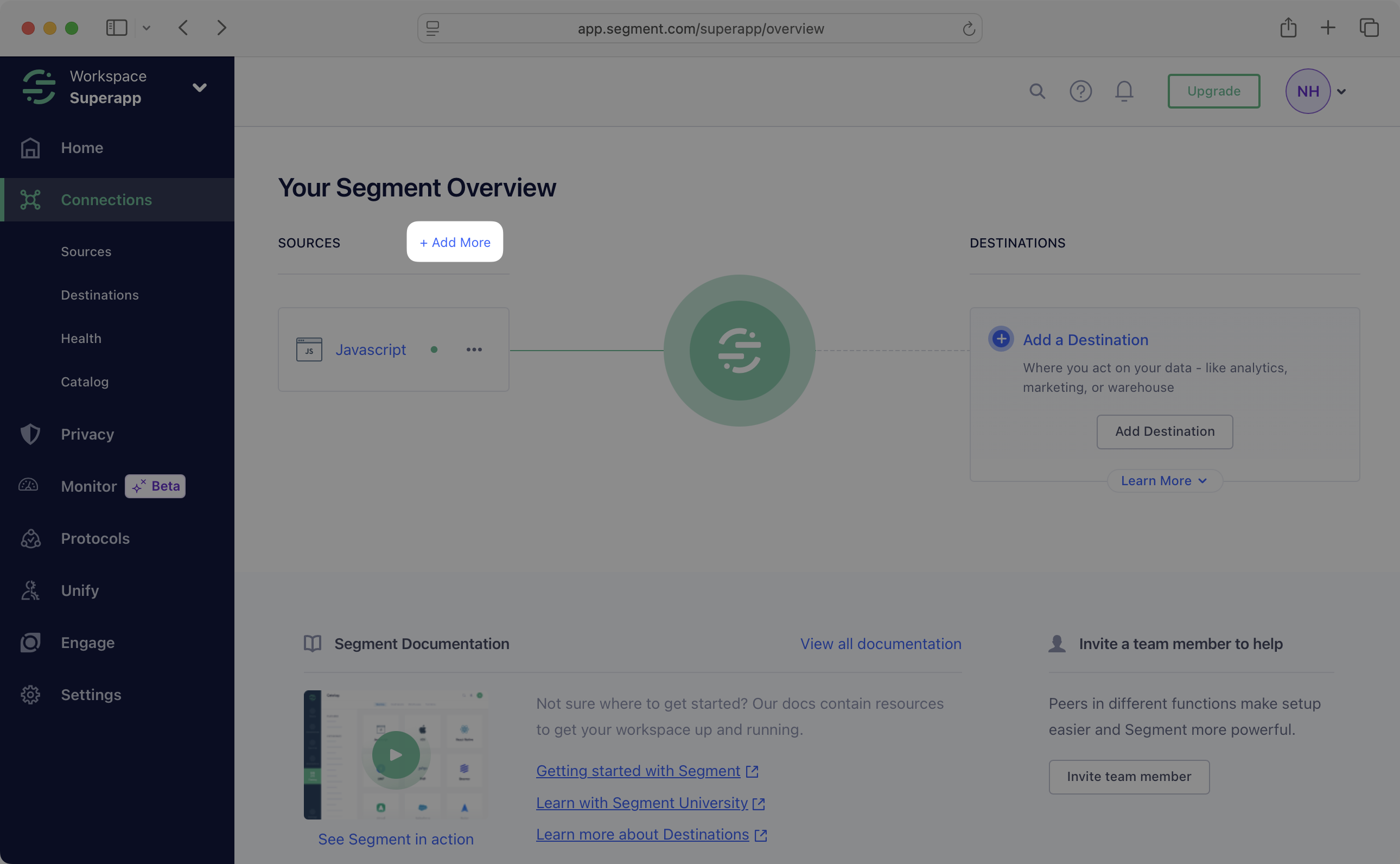
Next to Sources, click Add more.
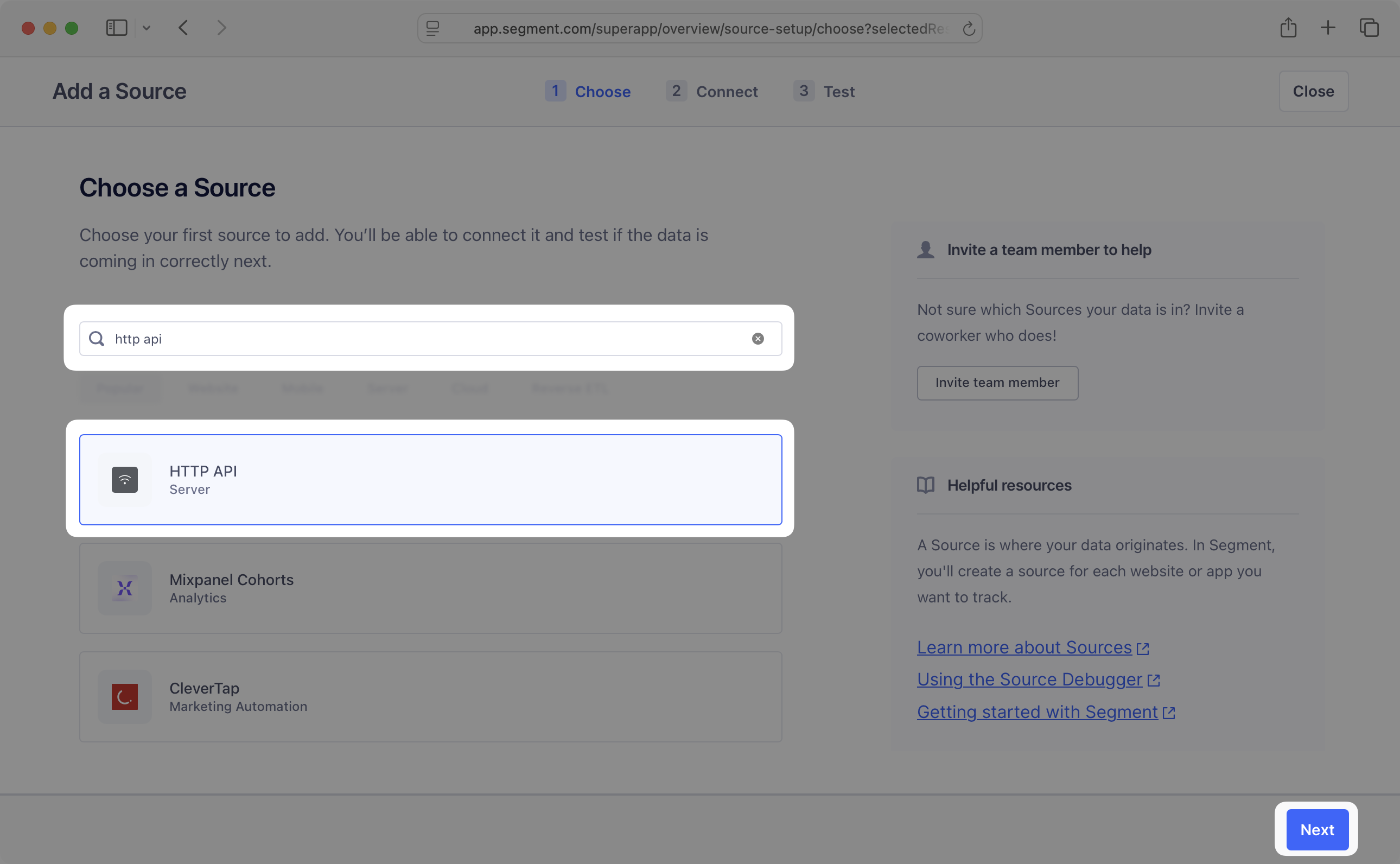
Under Choose a Source, search “HTTP API.” Below, click HTTP API. Then, in the lower right corner, click Next.
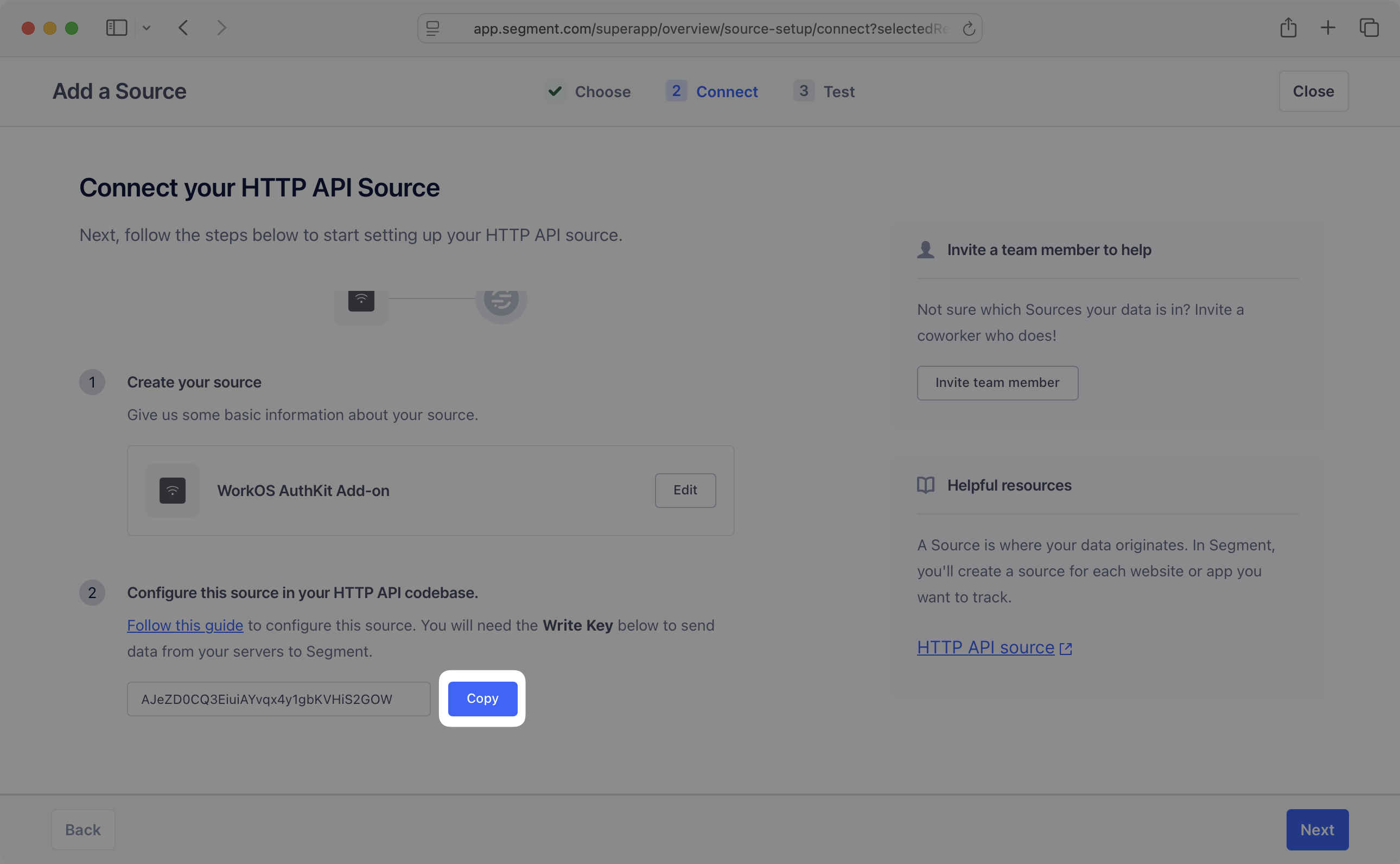
Under Create source, give the source a name, like WorkOS AuthKit Add-on. Click Create Source. Under Configure this source in your HTTP API codebase, find the Write Key and click the Copy button next to it.
Paste the write key in the Write Key field in the WorkOS Dashboard. Click Save changes. The Segment AuthKit Add-on is now enabled and will begin sending AuthKit events to Segment.
The Add-on sends events to Segment when certain WorkOS Events occur:
- Authentication events
- Email verification events
- Magic Auth events
- Password reset events
session.createduser.created
All names of events in Segment will match the names of the WorkOS Events.
After enabling the Add-on, visit the website, click the sign-in button, and sign in to the application. Visit Segment and click Connections in the sidebar. Click the source created above, then click the Debugger tab. An identify call including the anonymous ID and a track call with an authentication event should appear.
If no authentication event appears, visit the Add-ons page in the WorkOS Dashboard to verify the Write Key matches the value from Segment. If the values match and support is still needed, reach out via Slack.