Multi-Factor Authentication
Add an additional layer of security to your application.
Enable multi-factor authentication to require a second factor at sign-in.
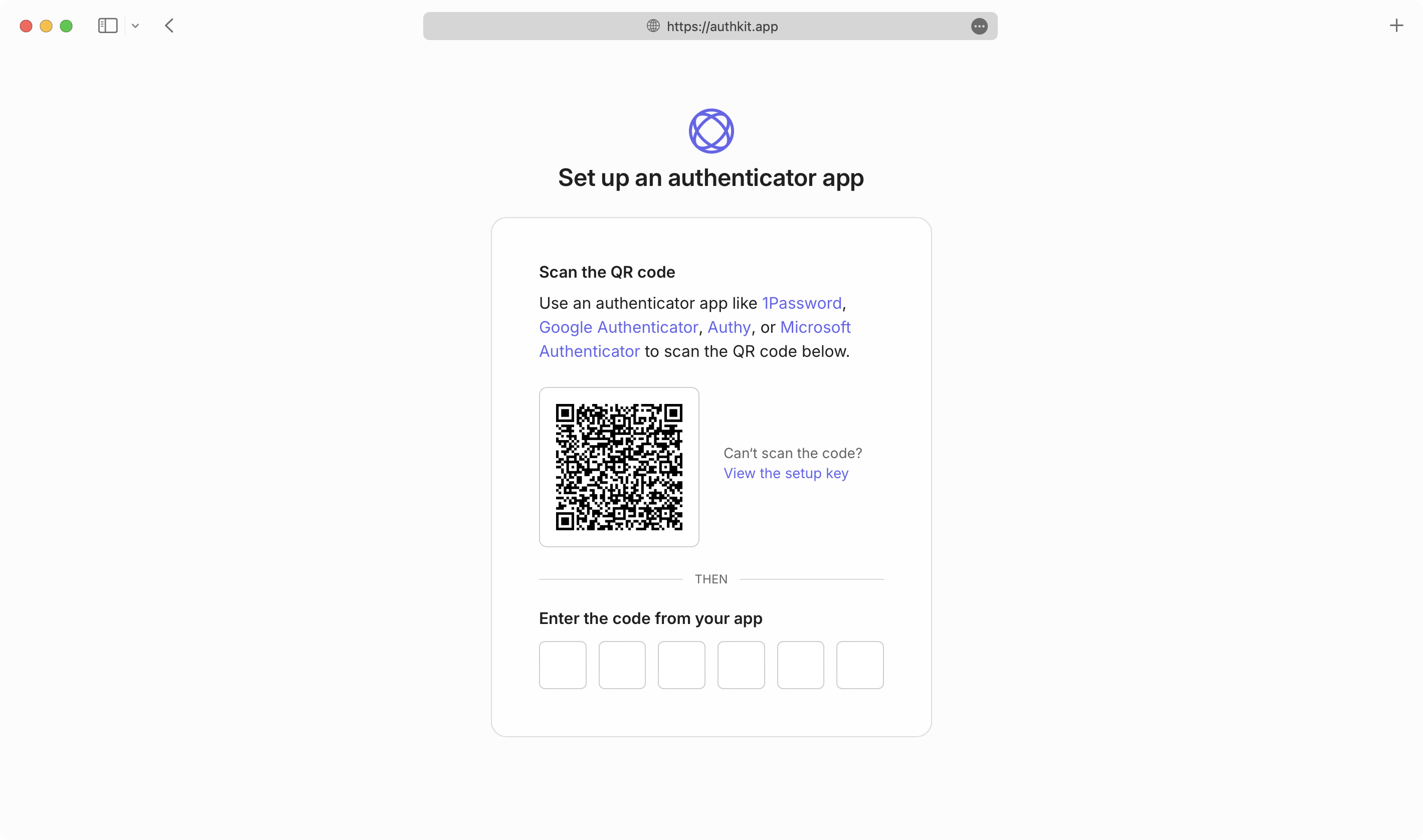
AuthKit handles first-time configuration of users’ MFA factors automatically and validates one-time codes as part of the authentication flow.
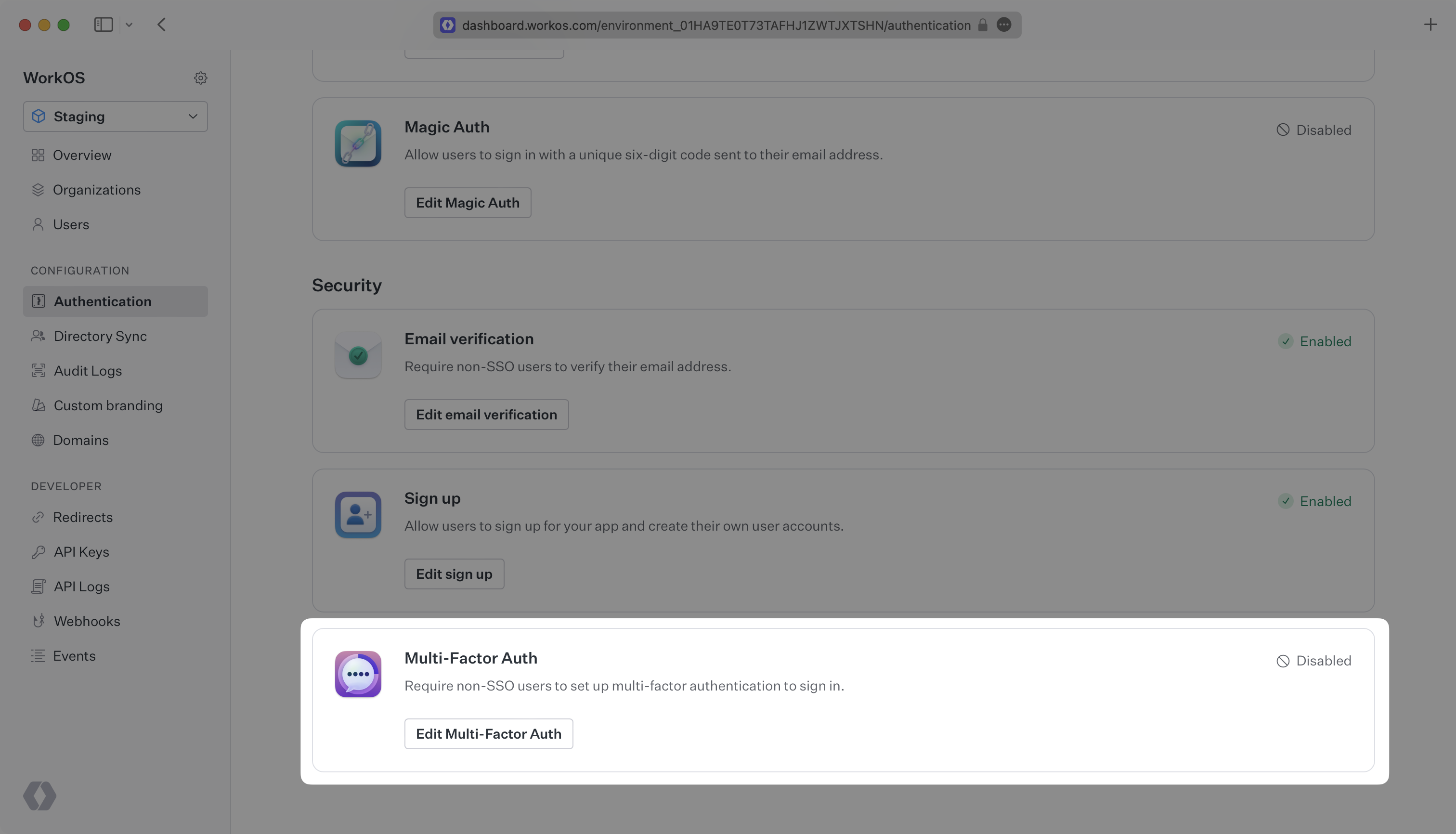
Enable MFA in the Authentication section of the WorkOS Dashboard. New and existing users are then required to set up multi-factor authentication with an authenticator app that supports one-time passcodes before they can sign in.
The MFA requirement does not apply to SSO users.
To build and manage your own authentication UI, use the AuthKit Multi-Factor API.
Examples of building custom UI are available on GitHub.
Magic AuthMaximize user experience and security with passwordless authentication
Up next