Social Login
Quickly and easily integrate with social OAuth providers.
Social Login allows users to sign in or sign up using their existing credentials with OAuth providers such as Google, Microsoft, GitHub, and Apple.
AuthKit makes the necessary API calls and routes users through OAuth providers automatically during the authentication flow. Configure and enable the relevant providers first.
Supply configuration via the Authentication section of the WorkOS Dashboard. WorkOS provides integration guides for common providers such as Google, Microsoft, GitHub, Apple, GitLab, LinkedIn, and Slack.
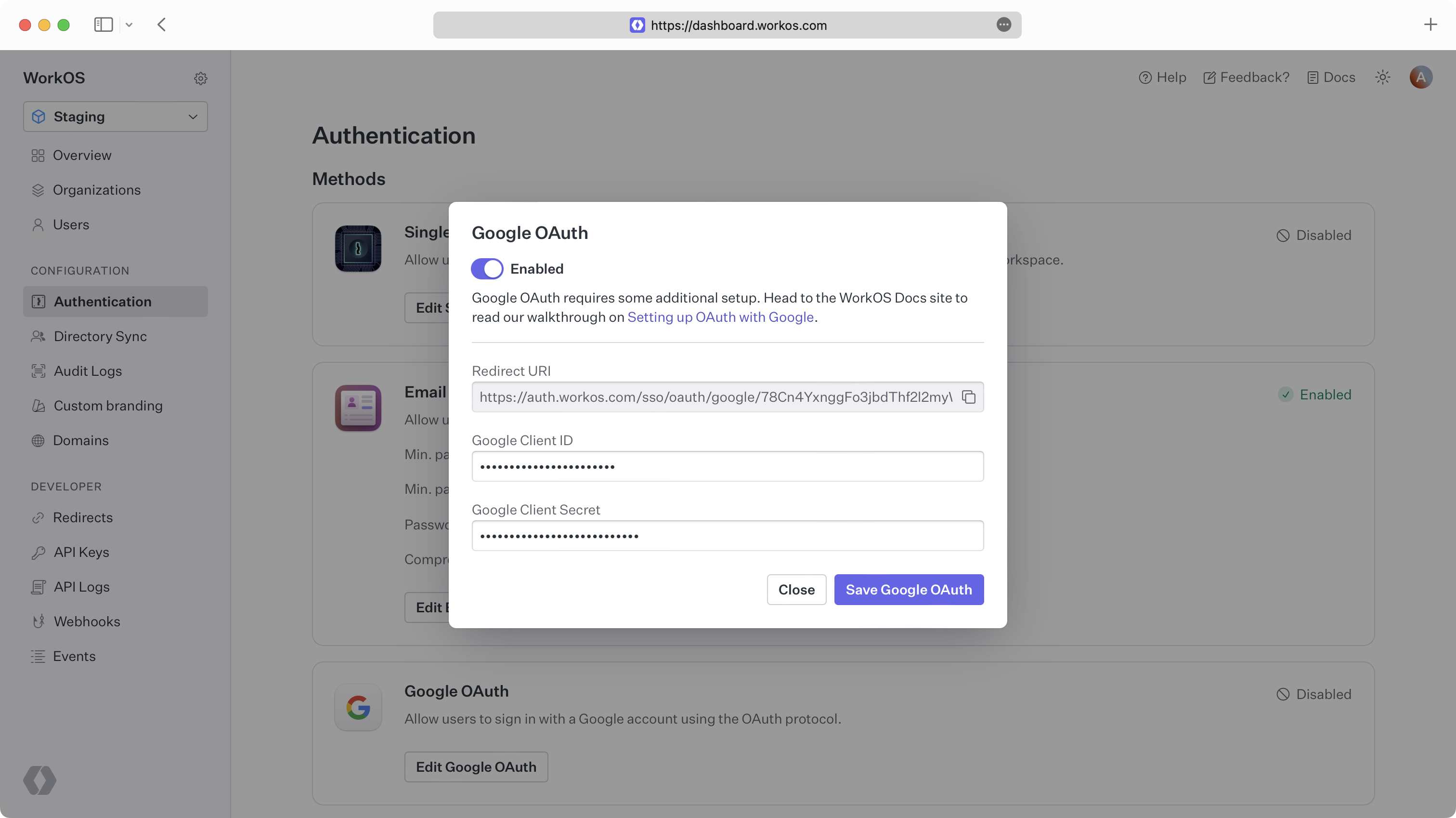
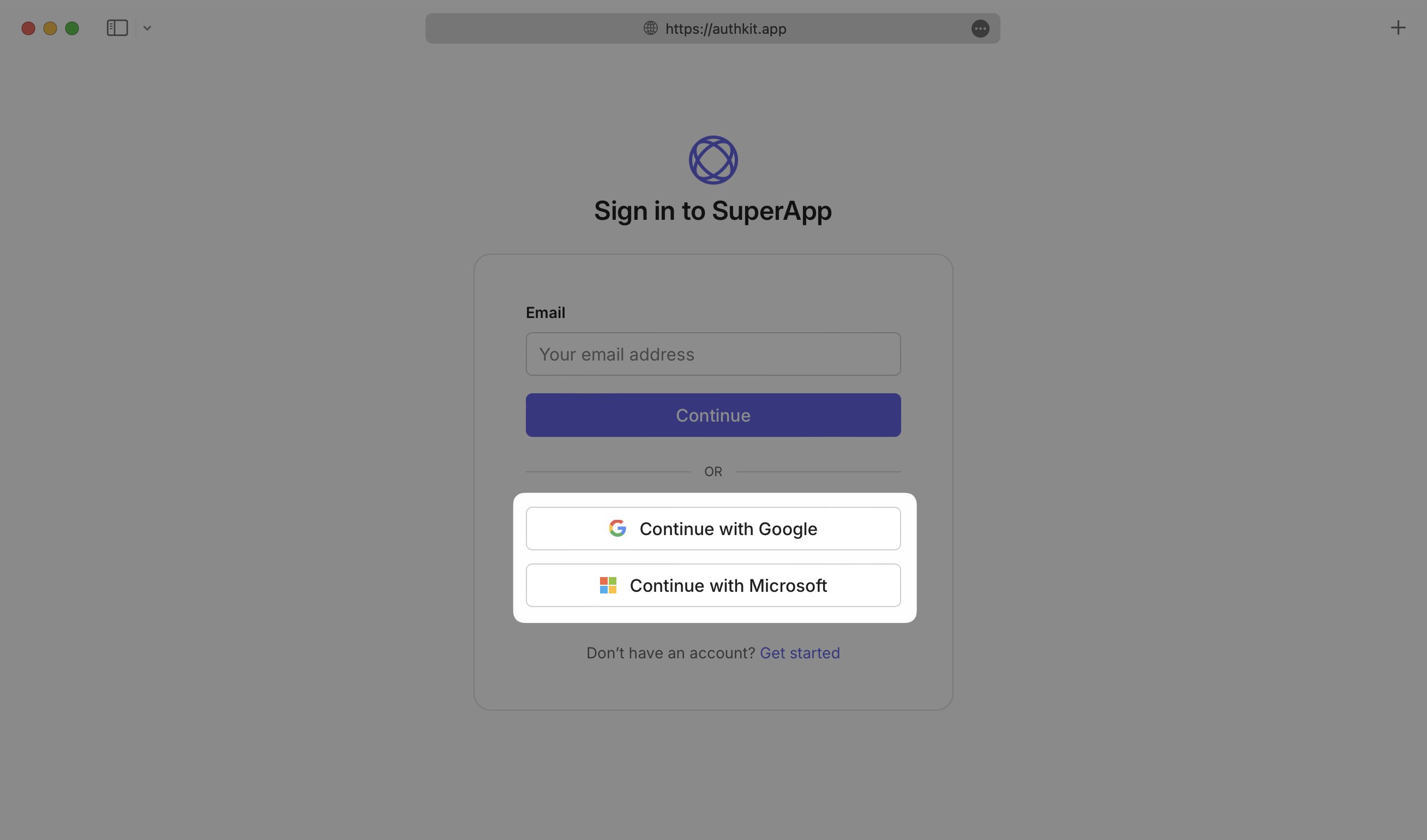
After a provider has been configured and enabled, it will appear as a sign in option on the AuthKit authentication page.
AuthKit supports custom OAuth scopes for Google, Microsoft, GitHub, GitLab, and Xero integrations. Use custom scopes to request specific permissions when accessing user profile data from these providers – for instance, requesting access to read Google Calendar events or retrieve emails from a Microsoft account. See the relevant provider section for more information:
When a user logs in with a social provider, their profile picture and name are updated to match the provider. If the provider email has changed and the user is linked to only one provider, the email is also updated (unless the new email is already in use).
To build and manage your own authentication UI, use the AuthKit Authentication API.
Examples of building custom UI are available on GitHub.