Radar
Protecting against bots, fraud and abuse.
Radar adds automated protections on top of AuthKit by collecting signals on the behavior of users as they sign in to your app. These signals feed into an engine that identifies abusive or anomalous behavior. When Radar detects a suspicious authentication attempt, it can block or challenge that attempt based on the settings you configure.
Radar leverages device fingerprinting to identify which client is being used to authenticate with AuthKit. This enables Radar to differentiate between legitimate and malicious users, so that automated protections won’t impact your app’s availability during an attack. It’s also a signal for suspicious behavior, such as when a device is used for multiple accounts or multiple devices are using the same account.
Radar works with AuthKit without additional integration effort. It can be enabled directly from the WorkOS dashboard. Teams interested in using Radar that are not yet AuthKit customers can reach out to the WorkOS team. Current customers can drop a note in their shared Slack channel.
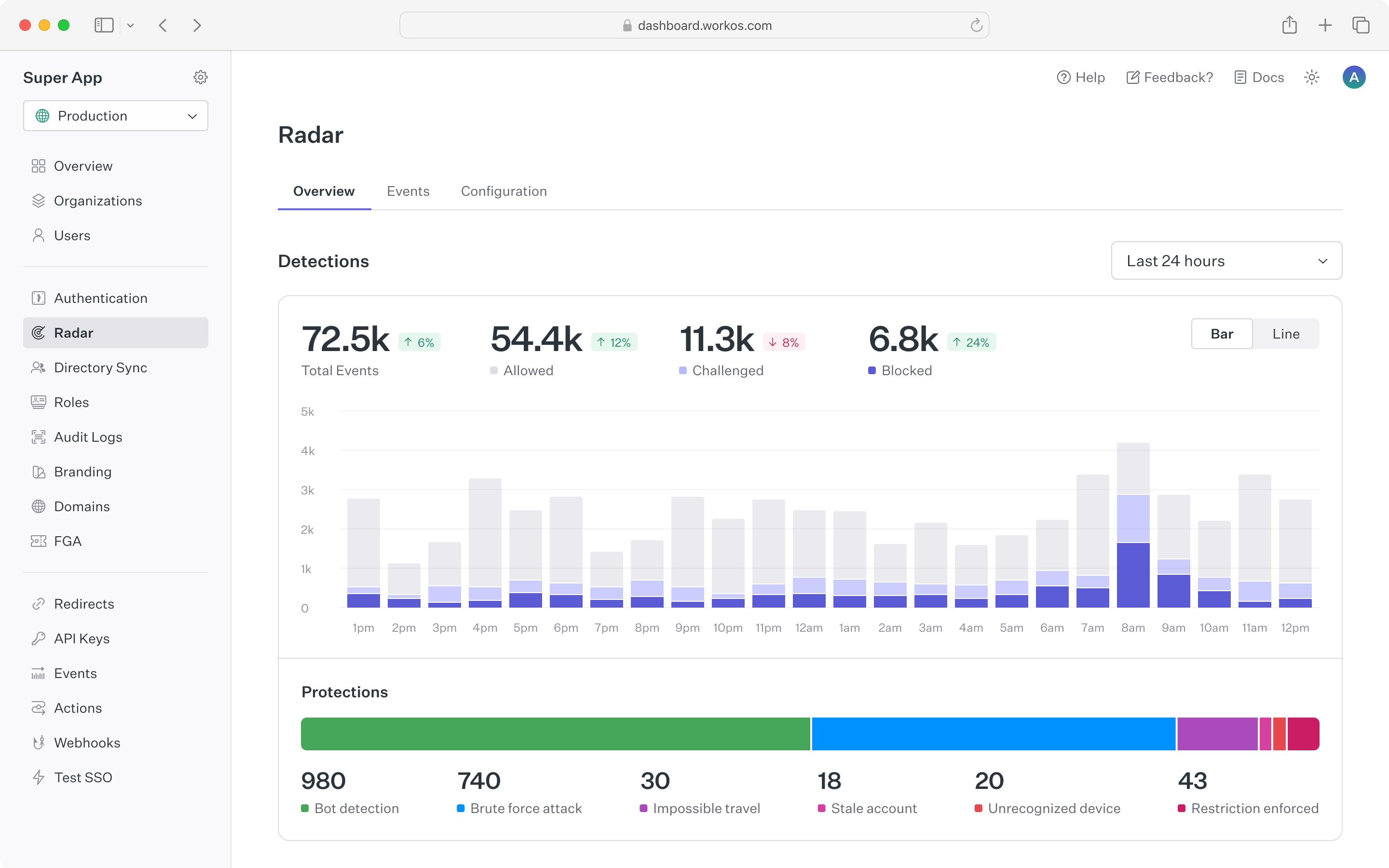
The Radar dashboard provides a summary of authentication activity in the application. The top chart shows counts of suspicious events that Radar has detected, along with automated actions taken based on configuration. Counts are updated in real time, making it straightforward to spot spikes in anomalous behavior. To surface historical trends, the time range for the chart can be toggled between 24 hours, 7 days, and 30 days.
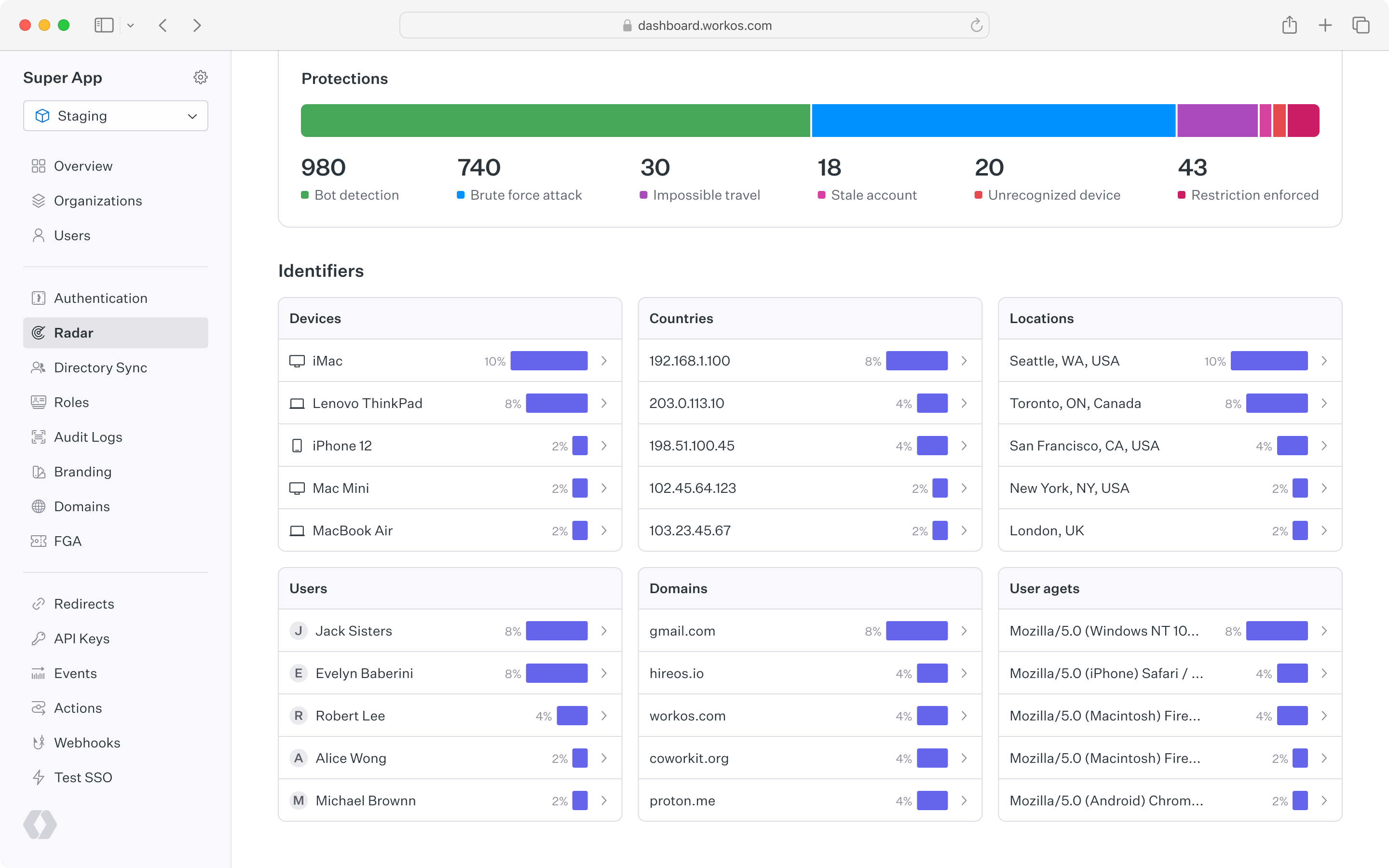
Below the top chart is a set of cards showing Radar detection activity for different user identifiers. These are helpful for understanding which types of devices, locations, users, and so on have been detected most often by Radar. Each card links to the events page, where individual event activity can be examined in detail.
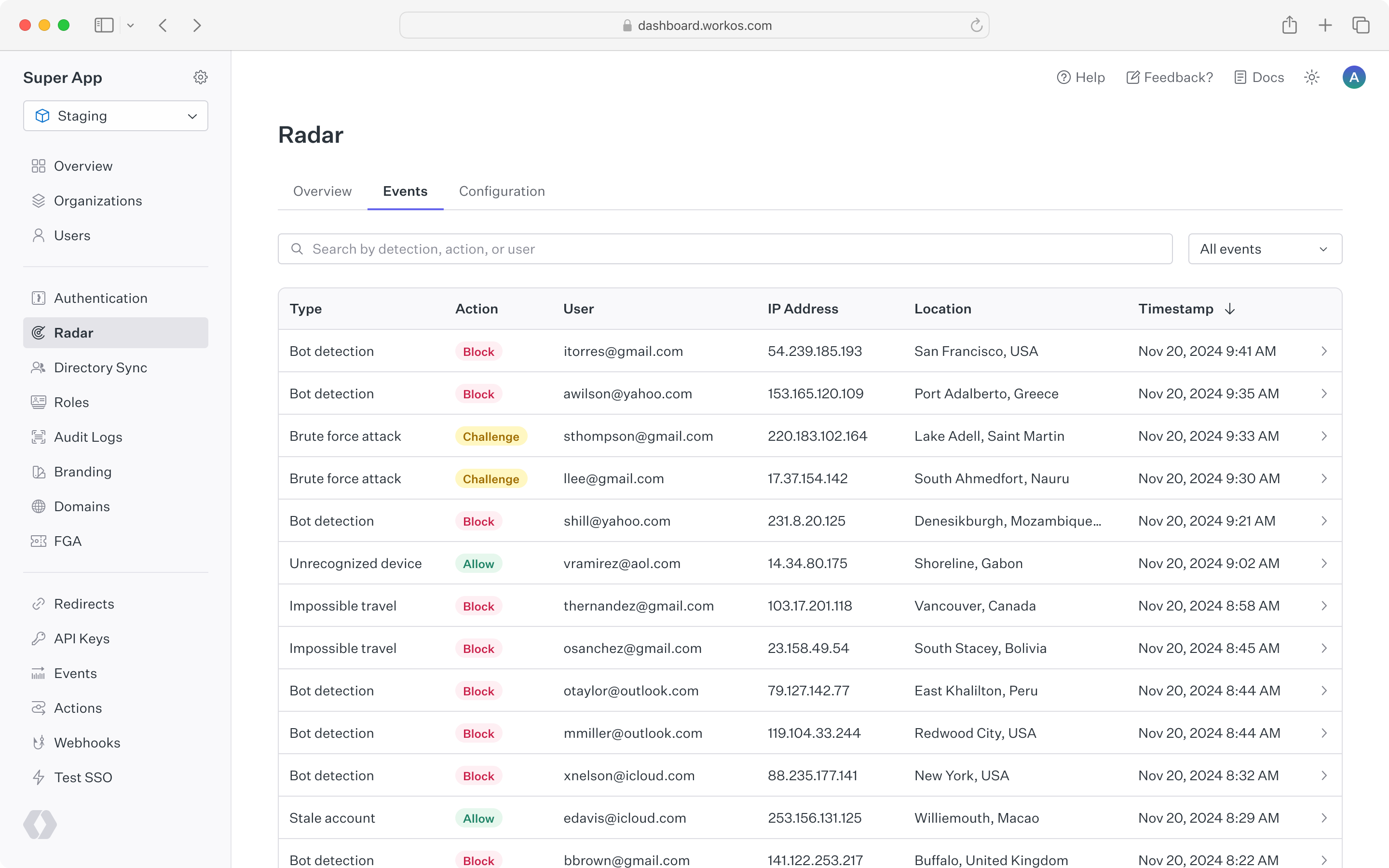
A complete list of Radar events appears under the “Events” tab. This list can be filtered by detection type, action taken, or a specific user ID or email. Clicking into a single event reveals all of the metadata related to that action, including device, location, user agent, and IP address. Reviewing events in Radar helps inform when custom restrictions may be useful – for example, allowing a known legitimate user to bypass detections, or blocking an IP range that is abusing sign-in.
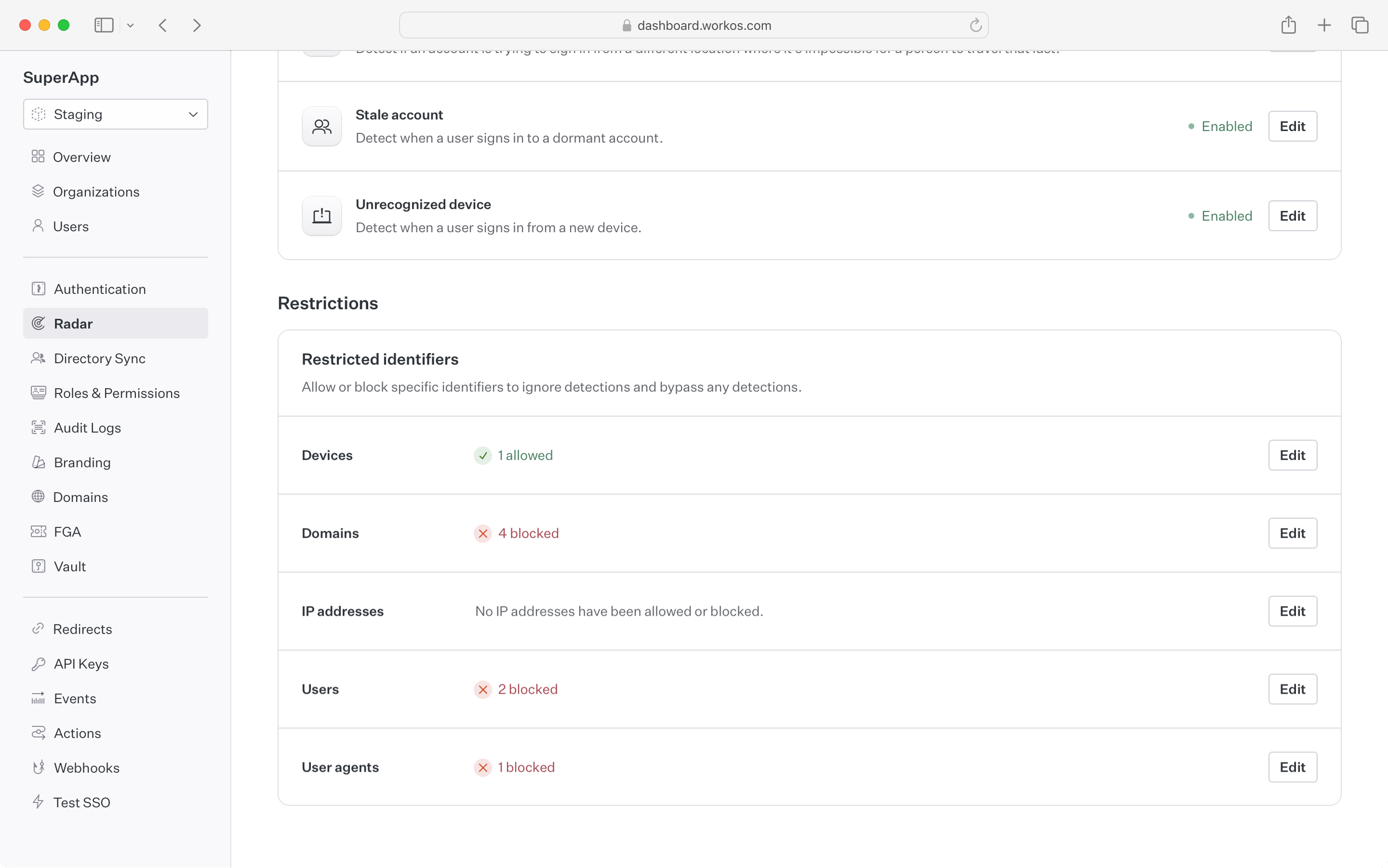
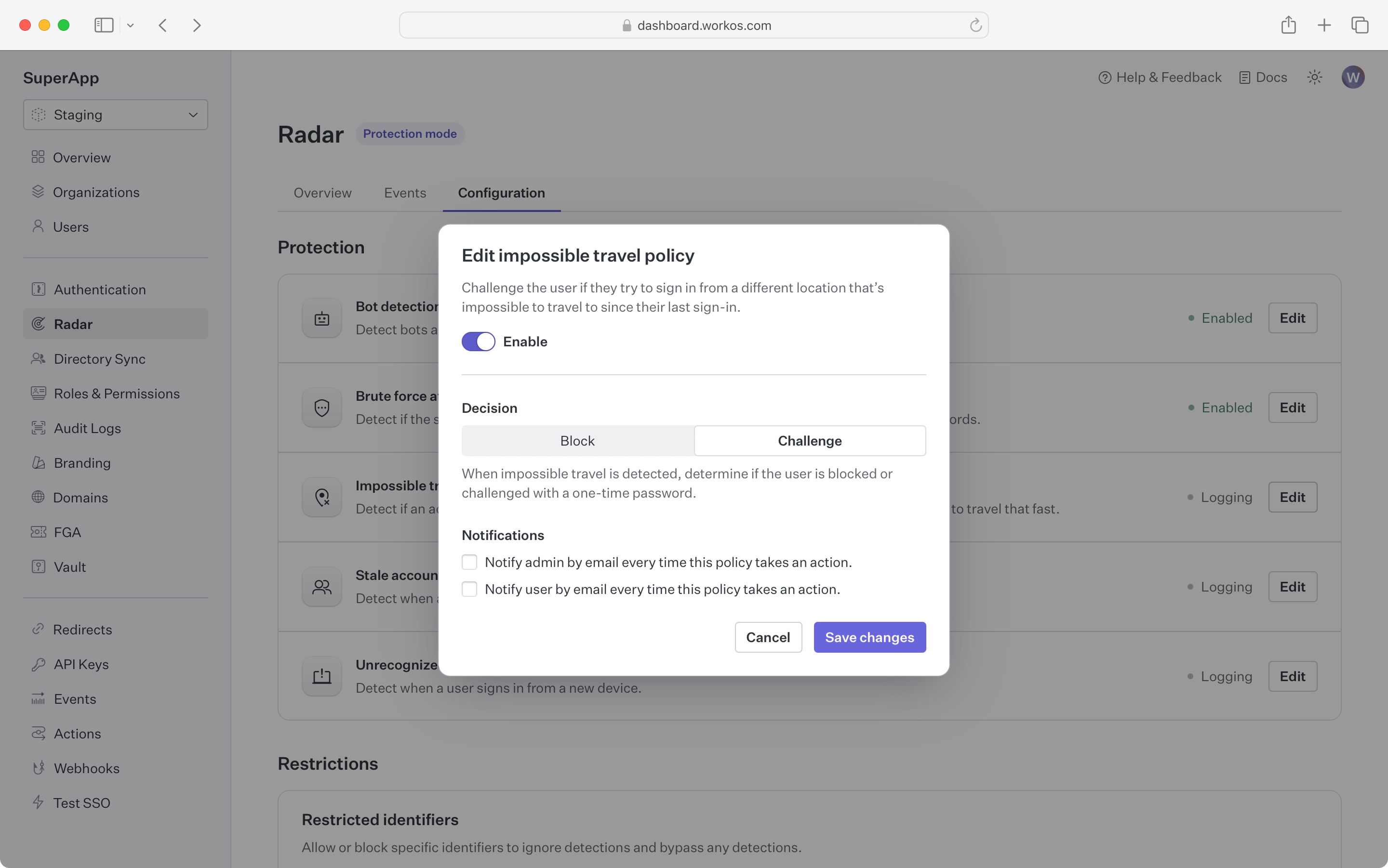
Radar provides full control over the automated actions taken to suppress suspicious activity. By enabling a detection, the application can block or challenge an authentication attempt that exhibits that detection’s behavior.
Blocking an attempt causes the authentication to fail, even if valid credentials are provided. The user sees a message indicating the sign-in was not successful and can reach out to an administrator for more detail.
Challenging an attempt sends the user an email with a one-time passcode (OTP). The user is then prompted to enter that code to continue authentication. Challenging suspicious authentication attempts with an OTP is effective in stopping bots that are capable of solving CAPTCHAs, as well as malicious users who have stolen credentials but do not have access to the user’s email account.
Radar supports SMS challenges for sign-ups in preview. Reach out to support via email or Slack for more information on using SMS challenges. Additional fees may apply.
Notifying on an attempt sends an informational email to users and/or admins when Radar detects suspicious behavior. This is helpful for proactively making individuals aware that an attack might be taking place or that their account has been compromised.
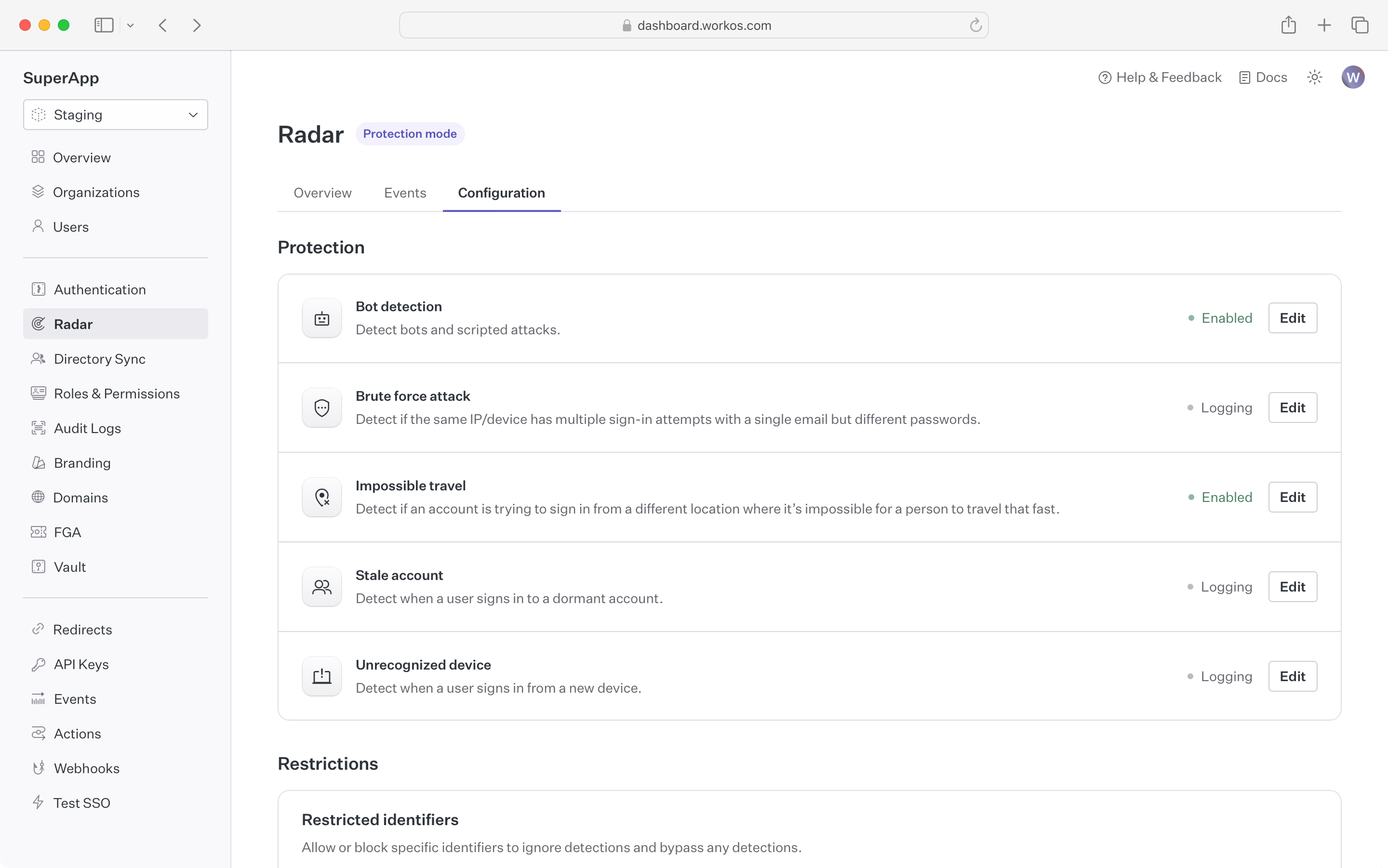
Out of the box, Radar ships with the following detections:
Bot detection blocks or challenges sign-in attempts initiated by a bot or program.
In addition to detecting that the client is a bot, Radar differentiates between different types of bots such as AI agents or search engine crawlers, giving developers the ability to control which kinds of bots are restricted.
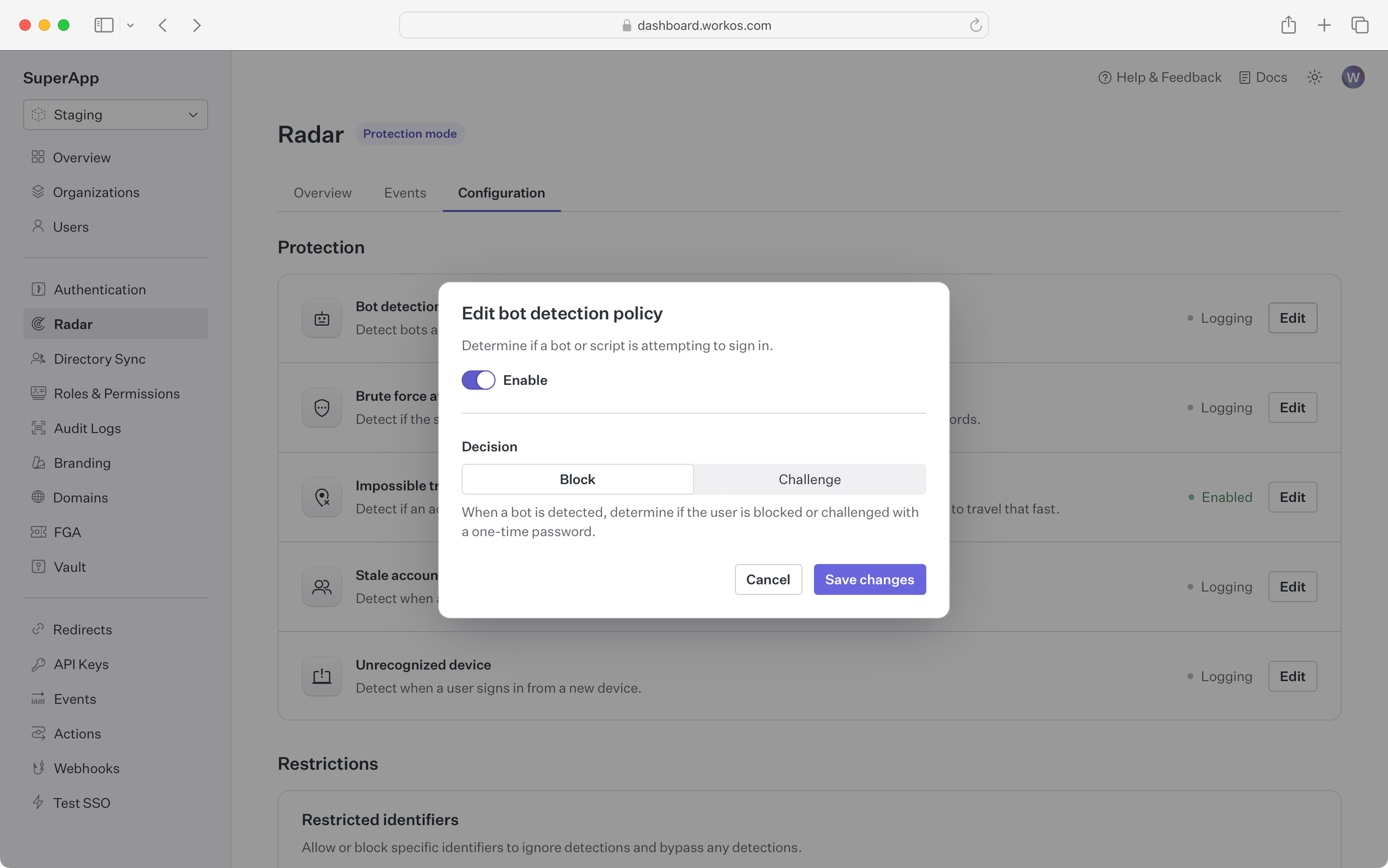
Brute force detection blocks or challenges sign-in attempts that are part of an attempt to break into accounts using brute force.
These are attacks where a bad actor tries many sign-ins over a short period of time. Radar leverages the device fingerprint to identify and isolate bad actors from legitimate traffic, ensuring that users can continue using the app even when it is under attack.
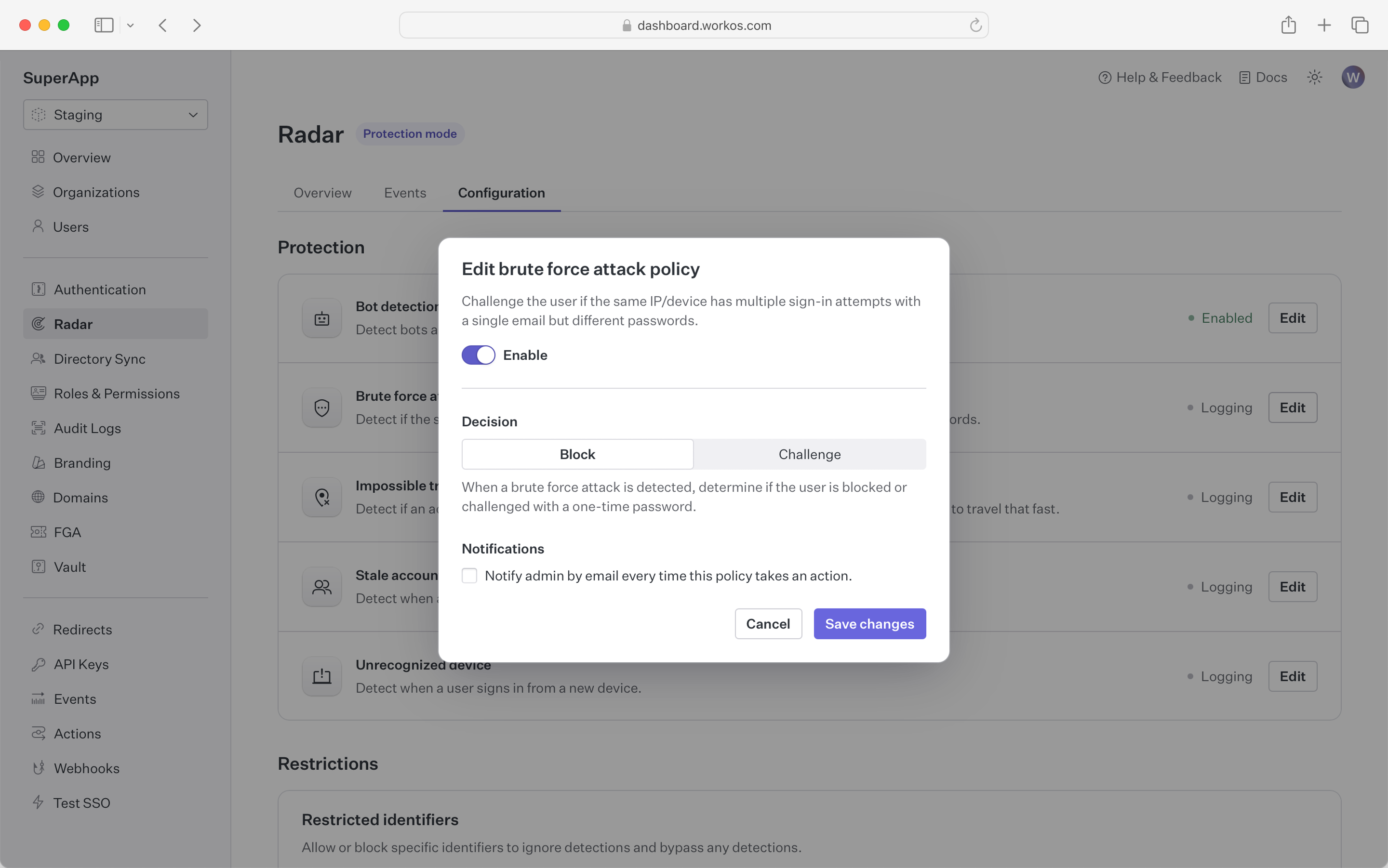
Impossible travel detection blocks or challenges sign-in attempts that occur from different geolocations in short succession.
By tracking device geolocation, Radar detects when subsequent authentication requests are spread around the globe. It flags these attempts when they happen over a period too short for a person to physically travel that distance.
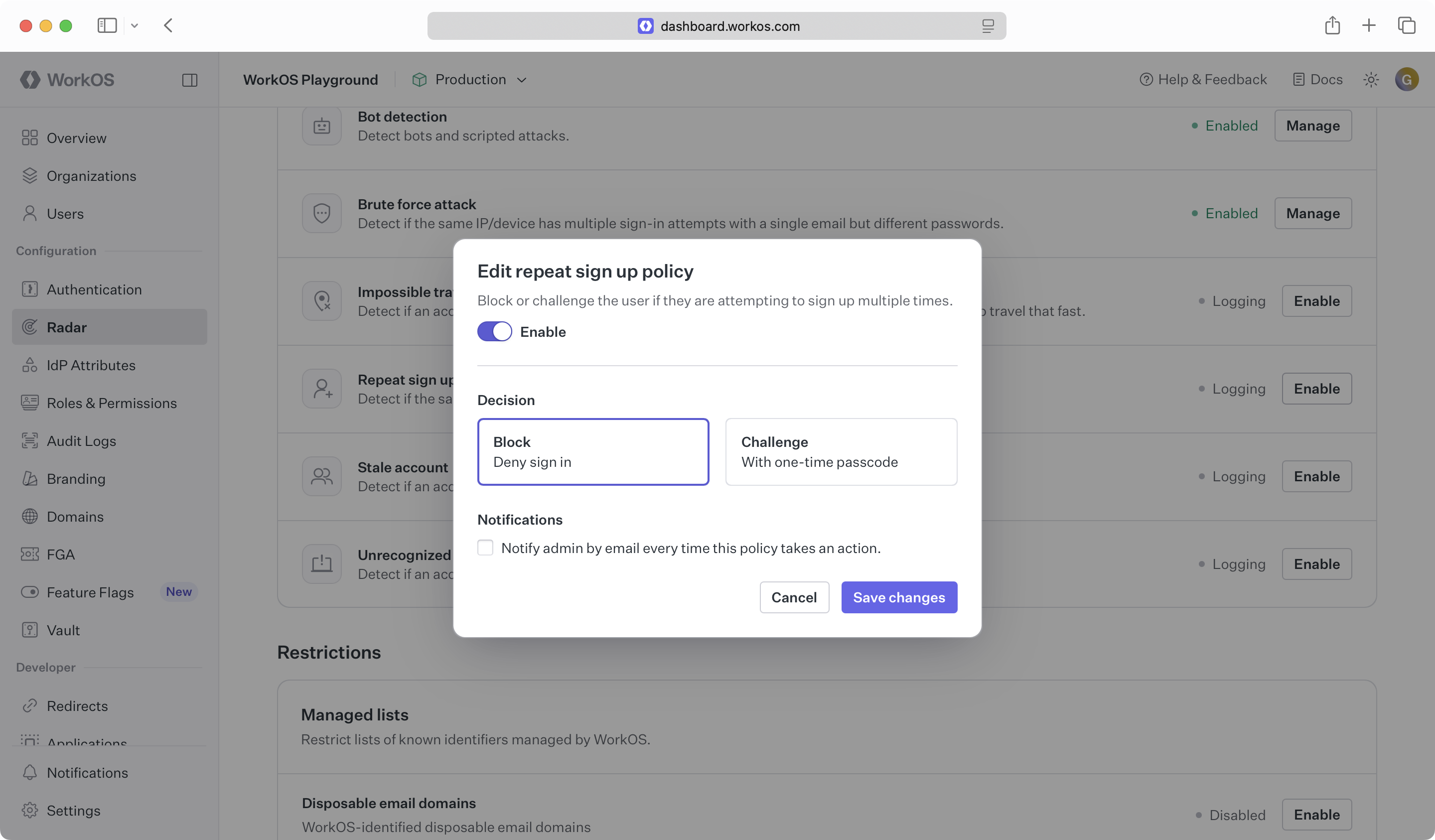
Repeat sign up detection blocks or challenges repeat signup attempts from the same email. By default, AuthKit fully deletes users.
If an application allows account deletion and offers a free trial, users may be able to delete their account and sign up again to get a new free trial. This protection restricts an email to a maximum of three uses before denying further sign-ups.
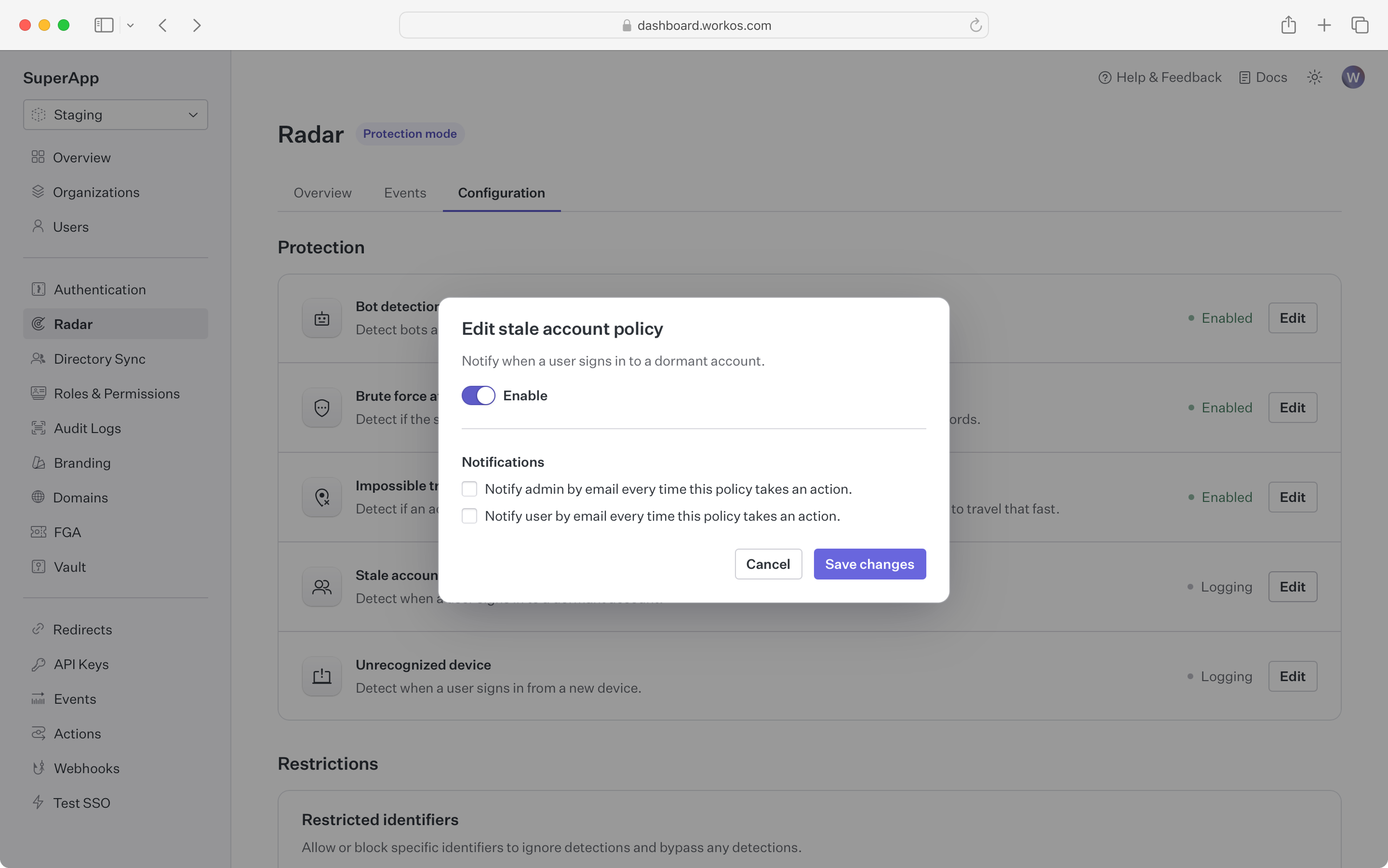
Stale account detection sends notifications when an account that has been dormant becomes active.
In contexts such as financial services, a dormant account becoming active might indicate that the account has been taken over and is being used for fraud. For these kinds of applications, Radar notifies the user and administrator if an account that has not been used recently has a sign-in attempt. Accounts are considered stale if there has been no successful sign-in in the past 60 days.
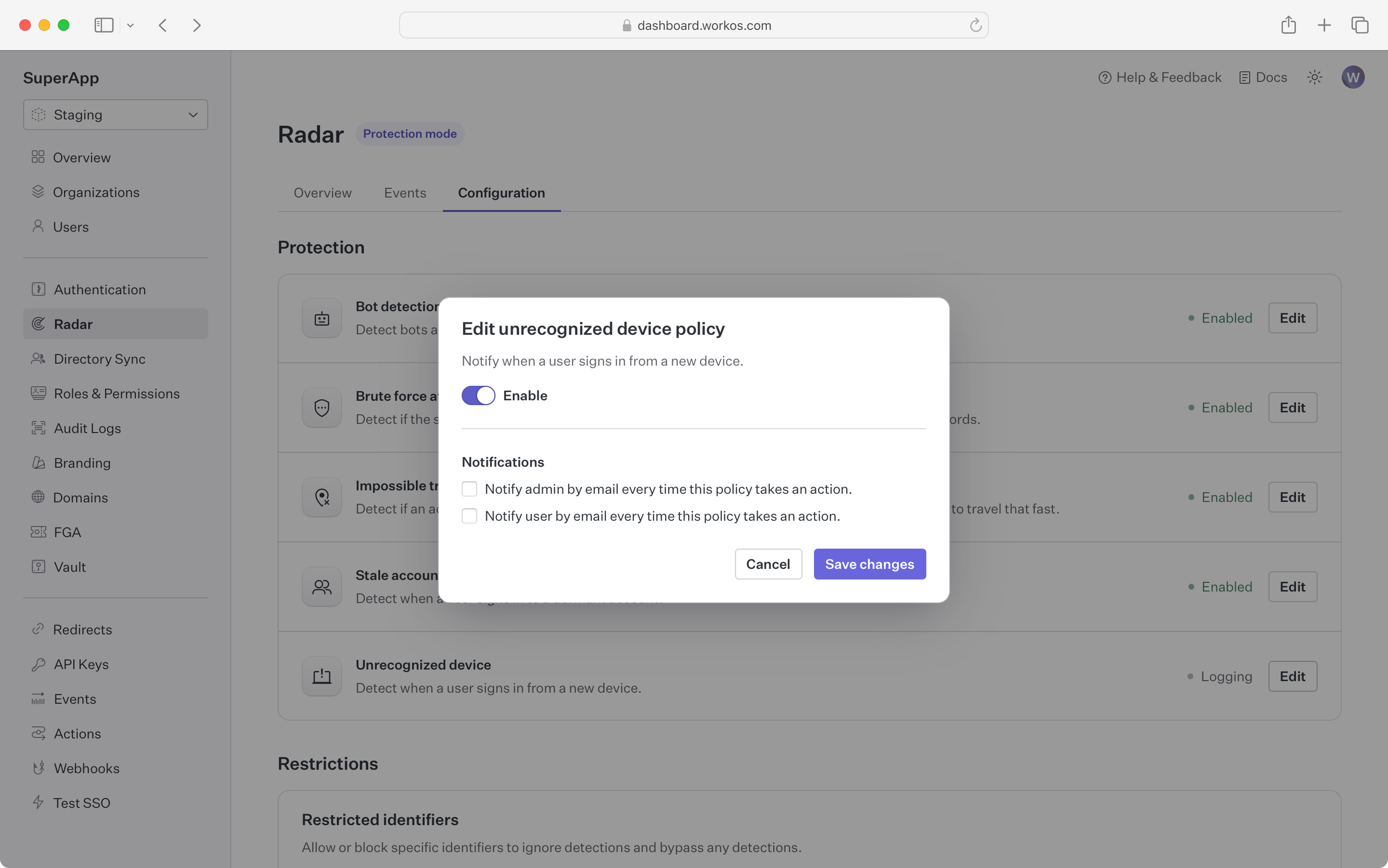
Unrecognized device detection sends notifications when a device that has never been used before signs in to an account.
Using the device fingerprint, Radar checks whether the device being used has been part of a successful sign-in before. If it has not, both the user and an administrator can be notified by email.
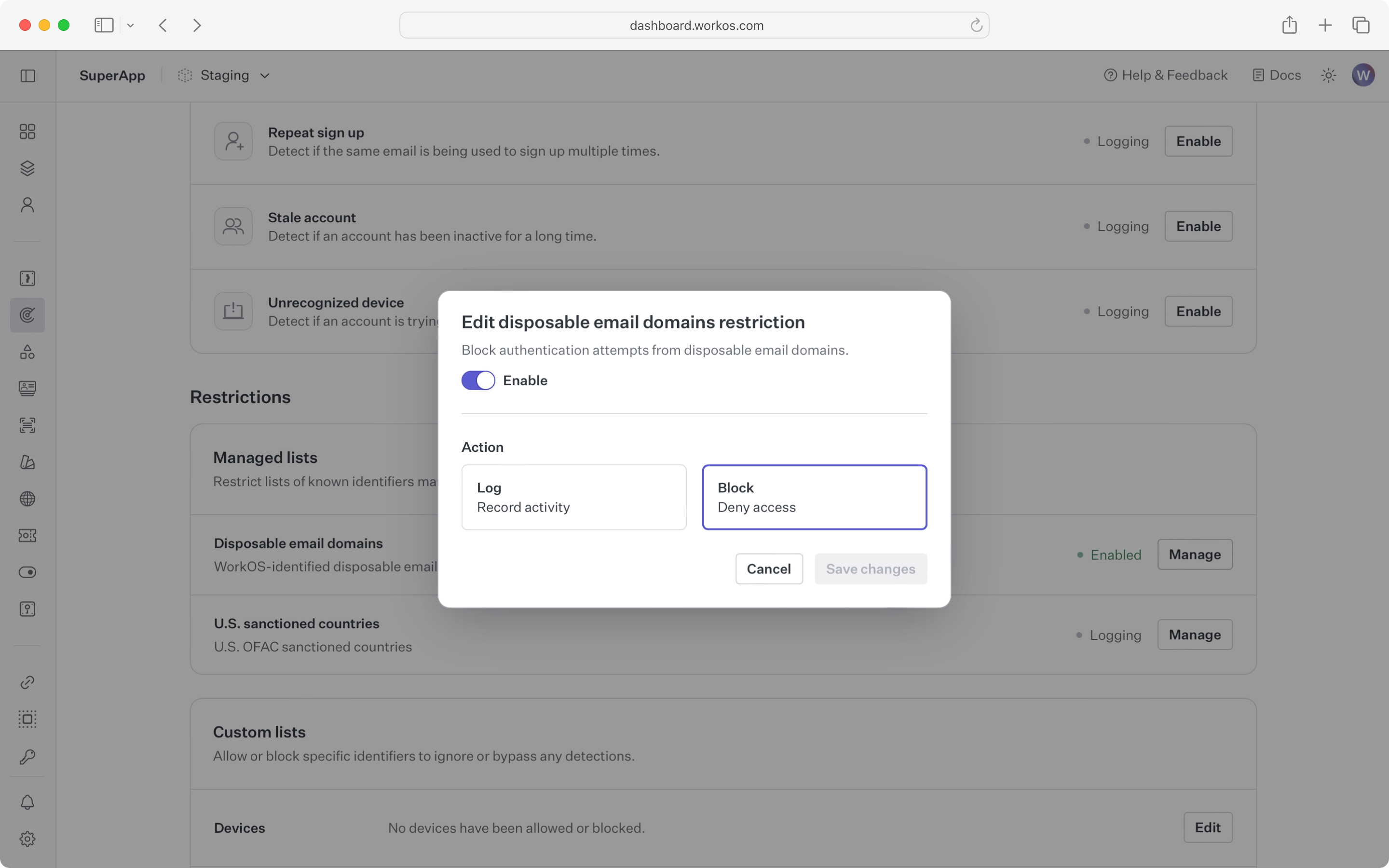
Radar maintains a constantly updated list of email domains known to provide disposable email services. Disposable email services may be used to bypass free account or free trial limits in an application.
Registrations that match an email domain in this list can be blocked or logged. Logging is useful for verifying that no adverse impact will occur before blocking all the domains.
This detection blocks users from countries under US sanctions from signing up or logging in to an application. Contact support to get the current list of countries.
To block a different set of countries, reach out to support via email or Slack to configure regional blocks. Radar supports any region in the ISO 3166-1 specification.
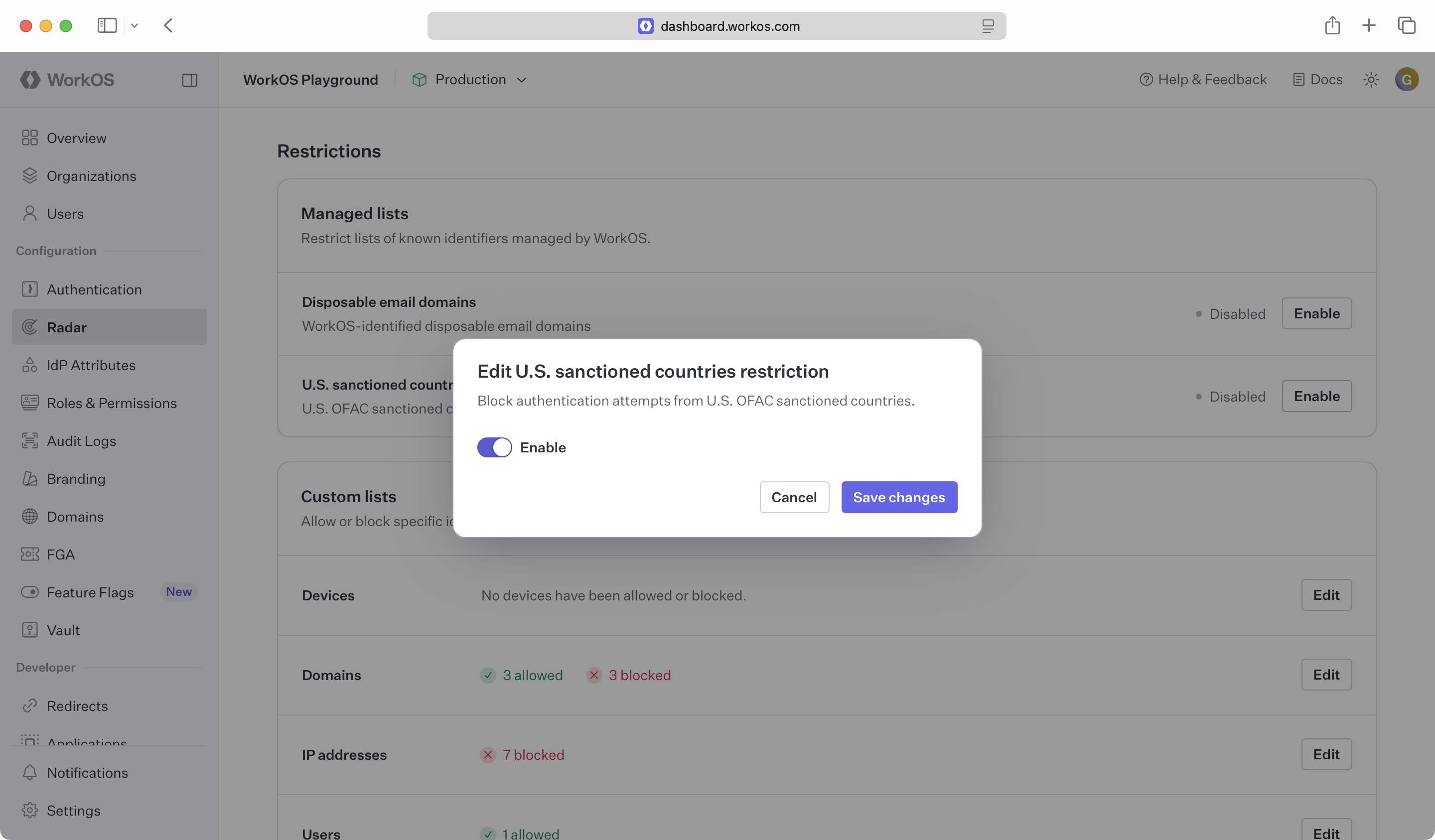
Specific user identifiers can be configured to always allow or deny an authentication attempt. Examples of custom restrictions include:
- Restricting sign-ins to a corporate IP range
- Allowing a script with a specific user agent to bypass bot detection
- Banning specific devices (i.e. iPods) from using the application
- Allowing certain users to bypass detections that are false positives
Note: the allow list takes preference – if a user matches an identifier that is in the allow list, they will bypass all other Radar rules.