Domain Verification
Verify organization domains for secure authentication and provisioning.
Configure domain verification so organizations can claim ownership of their email domains.
Verifying an organization domain enables the following features:
- Users with the verified domain who sign in with the organization’s SSO connection don’t need to verify their email.
- By default, users with the verified domain are managed by the organization’s domain policy, allowing for enhanced control over authentication and membership.
Domain verification can be delegated to the Admin Portal domain verification flow. This out-of-the-box UI guides the IT admin through adding a DNS TXT record to prove domain ownership. Once the DNS TXT record is correctly added, the organization domain is automatically verified.
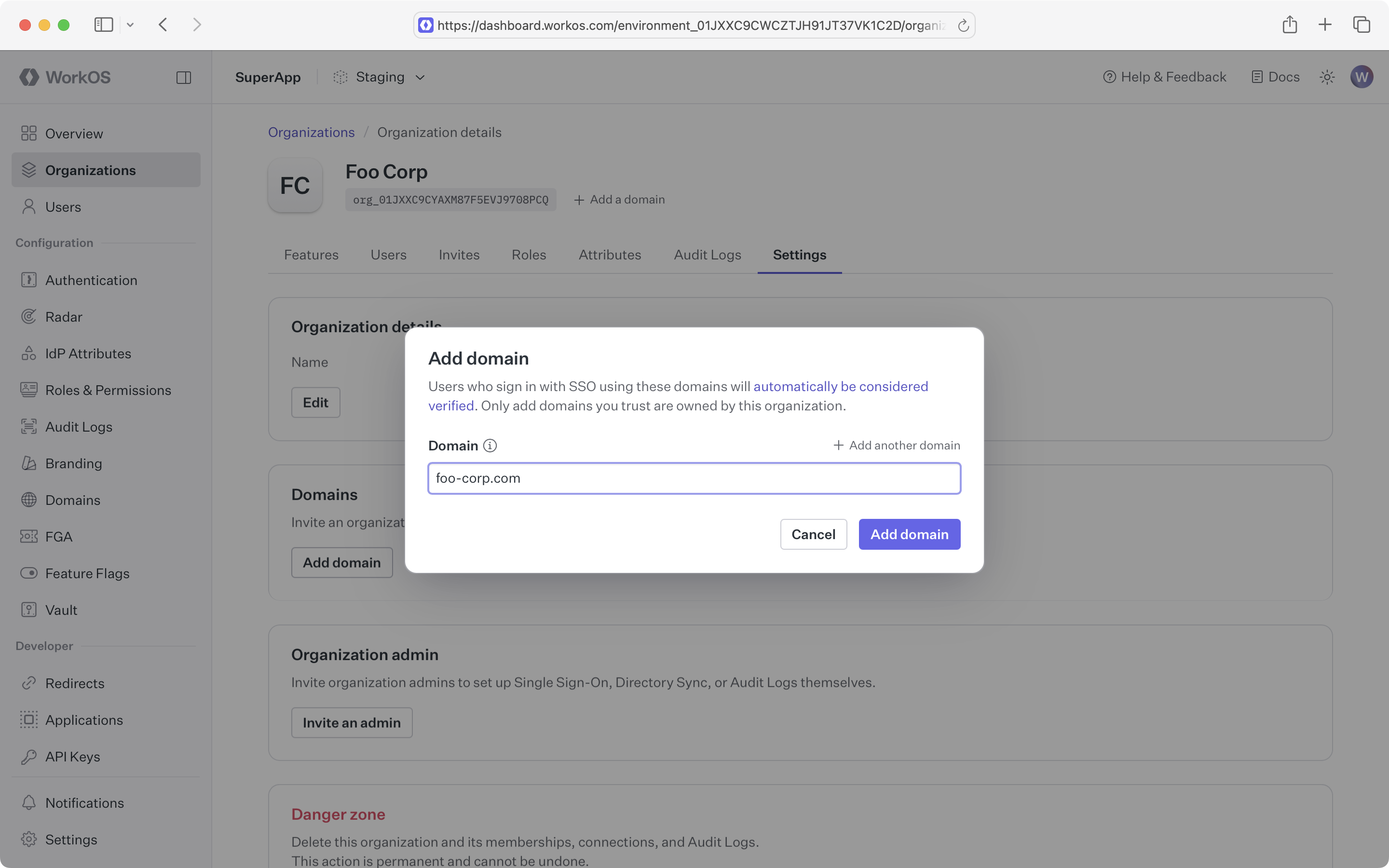
Verified domains can also be added manually via the WorkOS Dashboard or API. This shortcut is useful when the IT admin has already proven domain ownership in another context.
Manually verified domains can be used to define a domain policy that applies to any users with email addresses on that domain. The organization that defines this domain policy exerts authentication policy control over that domain across the application. For this reason, verifying ownership of manually added domains is important. Additionally, WorkOS does not allow addition of common consumer domains, like gmail.com.