Magic Auth
Maximize user experience and security with passwordless authentication.
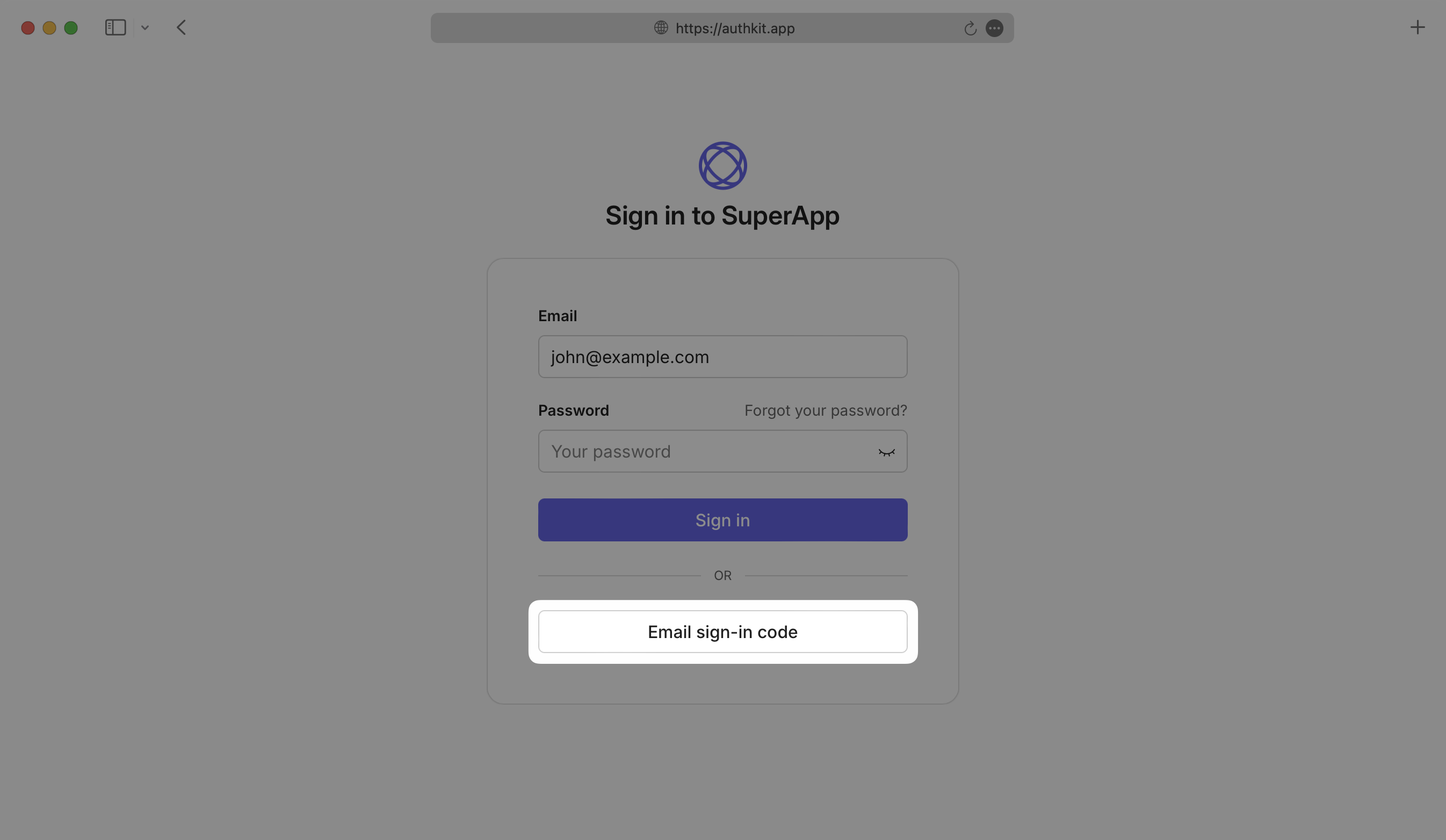
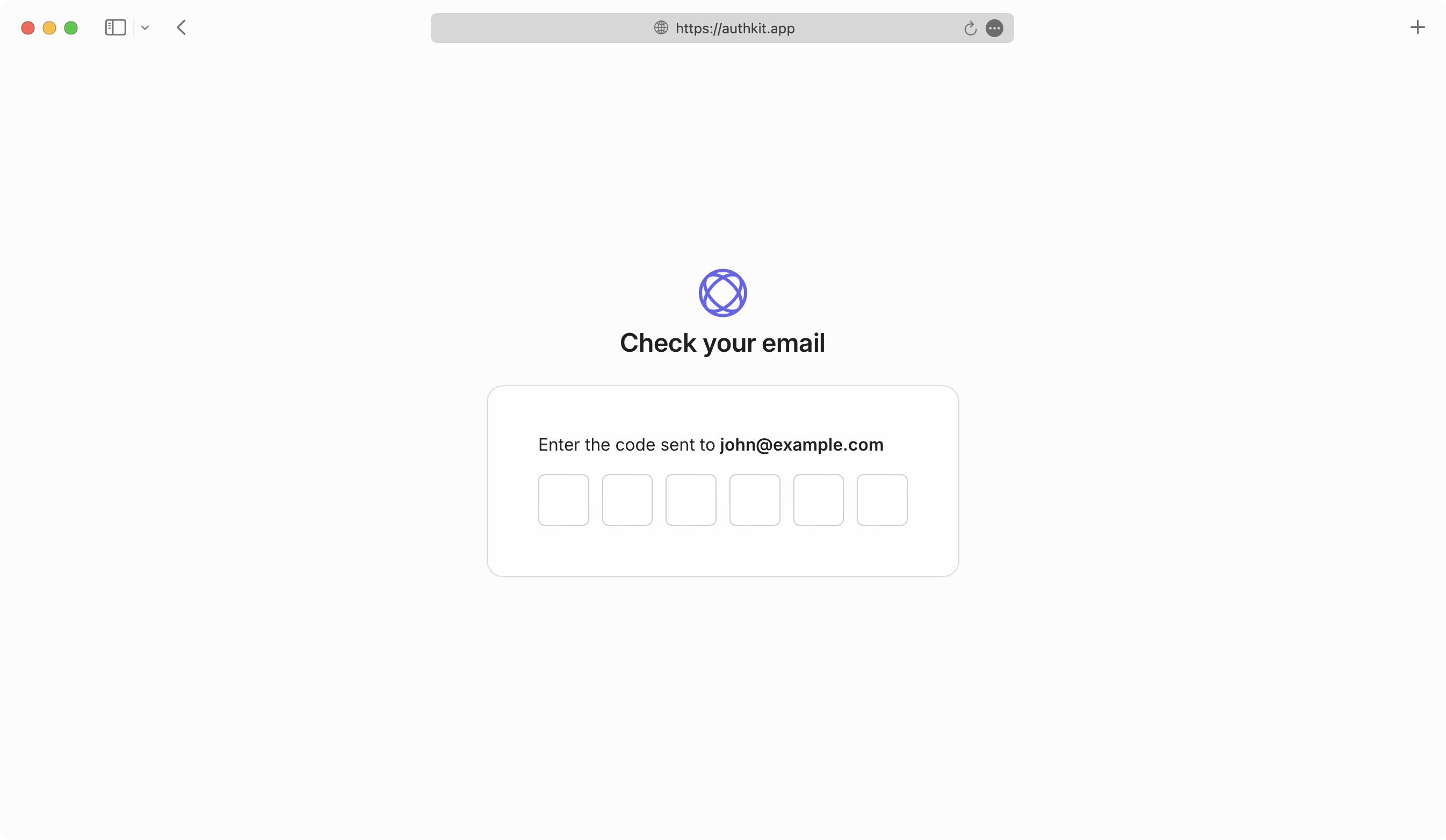
Enable Magic Auth so users can sign in via a one-time code sent to their email.
AuthKit makes the necessary API calls to issue one-time-use codes via email and provides input verification and authentication automatically. To customize the emails, send them yourself.
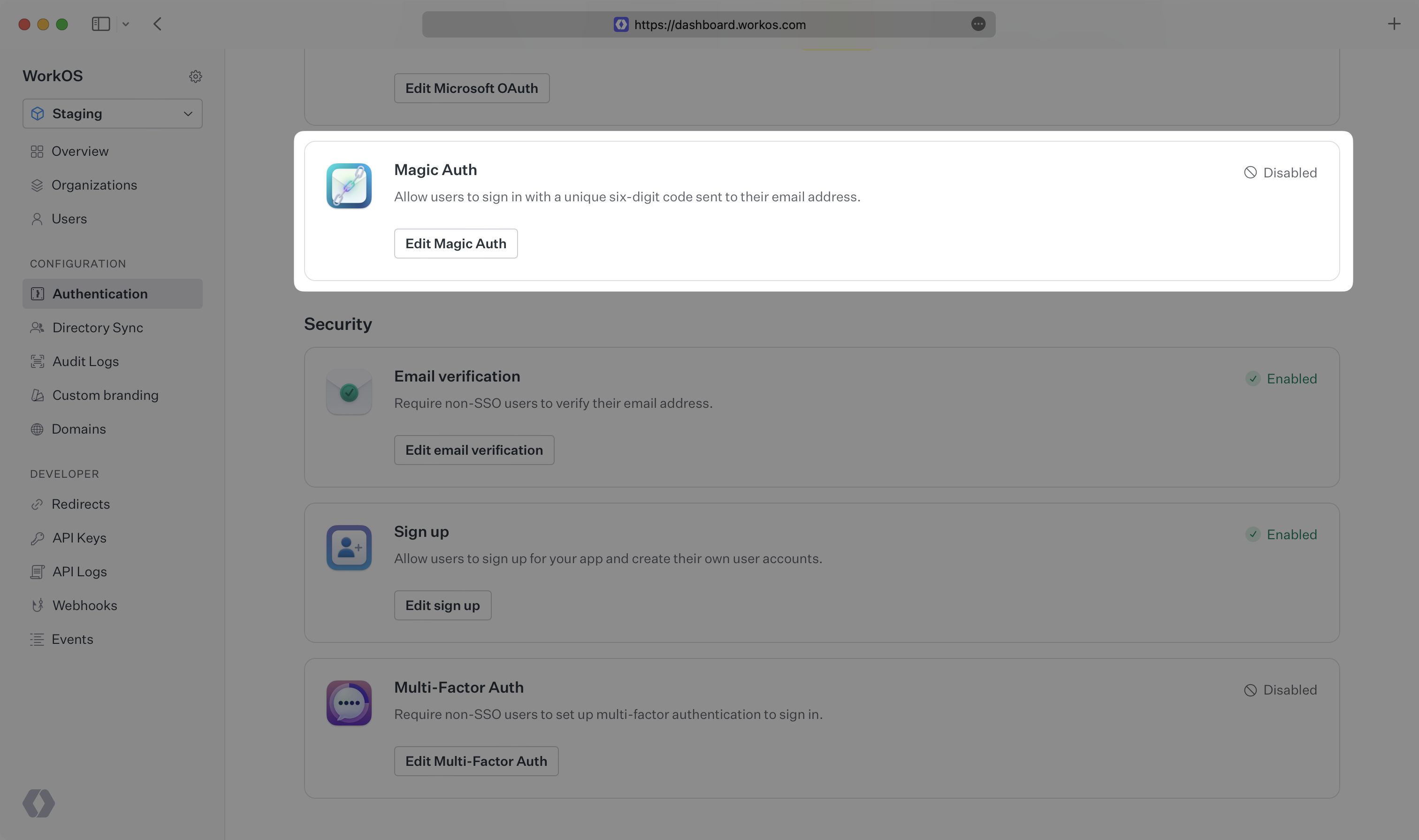
Enable Magic Auth in the Authentication section of the WorkOS dashboard. Users can then sign in or sign up via Magic Auth on the AuthKit authentication page.
One-time-use codes expire after 10 minutes.
To build and manage your own authentication UI, use the AuthKit Magic Auth API.
Examples of building custom UI are available on GitHub.
CLI AuthQuickly add authentication to your command-line application
Up next