How Identity Linking Works
How WorkOS deduplicates user credentials across identity providers.
When users sign in with multiple authentication methods, AuthKit needs to determine whether they represent the same person. This is identity linking.
WorkOS deduplicates credentials across identity providers into a single, unified User object using the email address as the unique identifier and access to the email inbox as the source of truth. This means applications do not need to reason about different identity systems.
A credential is an authentication method tied to a specific identity provider. For example, WorkOS offers a password credential where WorkOS is the identity provider and password is the authentication method. Google OAuth is another credential, where Google is the identity provider and OAuth is the authentication method.
Users often accumulate multiple credentials over time. They may prefer different methods on different devices, or simply not remember which method they used previously.
WorkOS ensures all user emails are unique through an email verification process. By default, email verification is required for authentication to succeed. This guarantees that only verified users are returned to the application.
When a user signs in with a new credential for the first time – for example, signing in through Google OAuth when they already have a password account – WorkOS attaches the new credential to the existing user. This only happens if WorkOS can verify that the user has access to the email inbox referenced by that credential.
WorkOS treats it as a security risk if the user cannot verify access to their email. Some identity providers allow creating accounts with any email address. For instance, an IT admin of an organization with the domain apple.com could create an account for billg@microsoft.com. Without verifying access to billg@microsoft.com, the admin could sign in to the application as that user.
WorkOS does not complete the authentication flow when a new identity cannot be safely linked to an existing user. This minimizes account takeover risks.
When an IT admin verifies a domain for their organization, they demonstrate they have access to create email inboxes. A verified domain implies the ability to verify all users with that email domain.
In practice, when a domain is verified and an SSO connection is configured, users who sign in through the organization’s IdP are automatically considered email verified if the domain matches. This eliminates the verification step and reduces friction for end users.
Users who sign in through SSO with an email address that is not on a verified domain must still go through the email verification process.
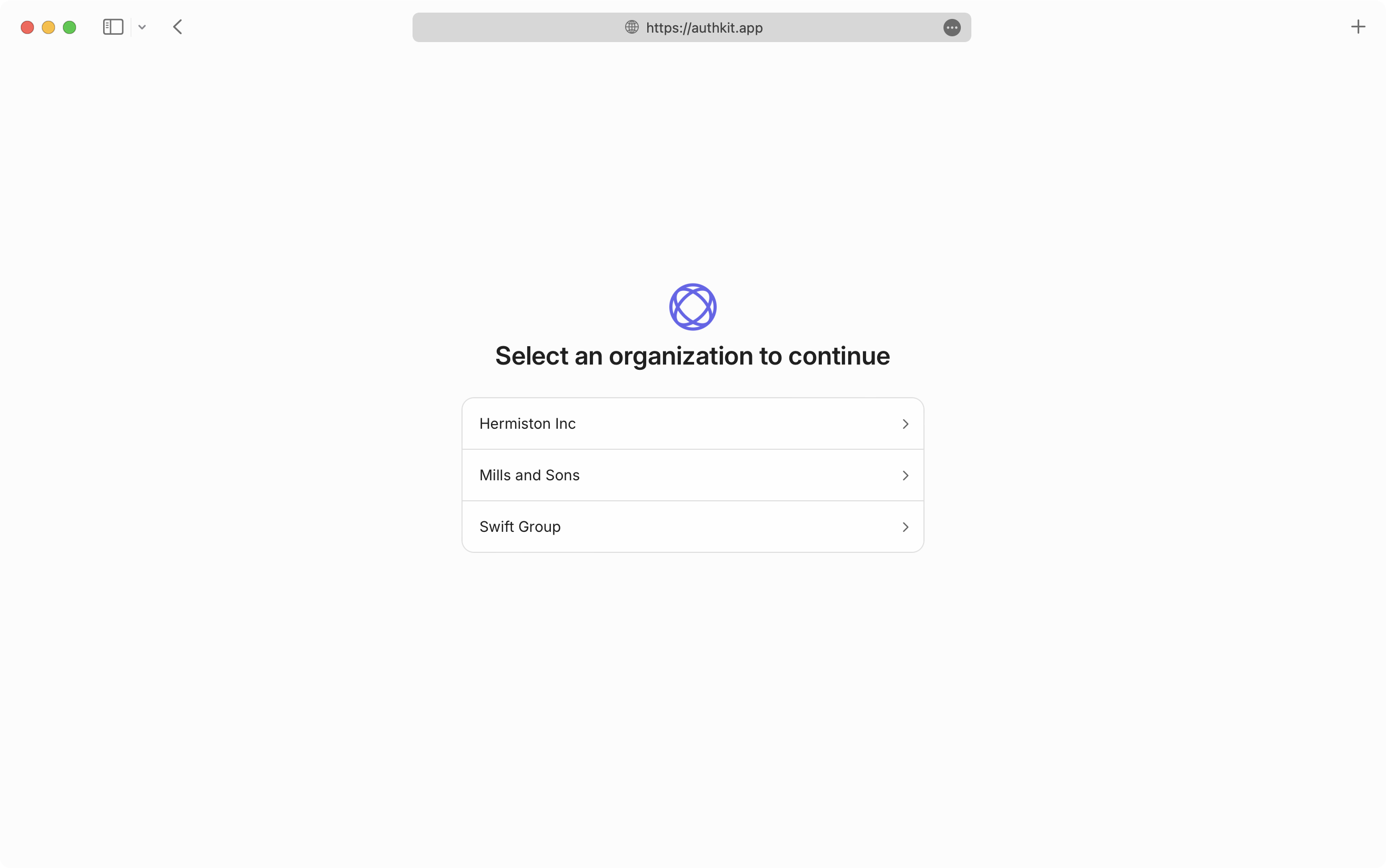
A user can have multiple SSO credentials. This situation arises when a user belongs to multiple organizations that each require SSO authentication. There is still only one User object, but the user chooses which organization’s SSO IdP to use when authenticating.
The email verification safety mechanism still applies. When a user signs in for the first time through an SSO IdP where the email address is not on a verified domain, the user is asked to verify their email before the SSO credential is linked to their account.
Users without a verified domain must be invited to the organization before they can access it via SSO for the first time.
An invitation ensures the authentication flow gives the user an opportunity to go through the SSO identity provider.
- Users and Organizations – How users, organizations, and memberships relate
- Email Verification – How email verification works in AuthKit
- Domain Verification – How verified domains affect linking and SSO
- Invitations – Invite users to organizations