Just-in-time Provisioning
Automatically provision users and memberships with JIT provisioning.
In many applications, requiring IT admins to manually create user accounts and memberships before people can sign in adds unnecessary friction. Just-in-time (JIT) provisioning solves this by automatically creating users and organization memberships at the moment a user authenticates, so they can access resources immediately without a separate onboarding step.
Users with verified email domains can be automatically added as members to an organization through the organization’s domain policy. This behavior is useful when an application or organization needs to automatically group individuals into the same workspace based on their email domain.
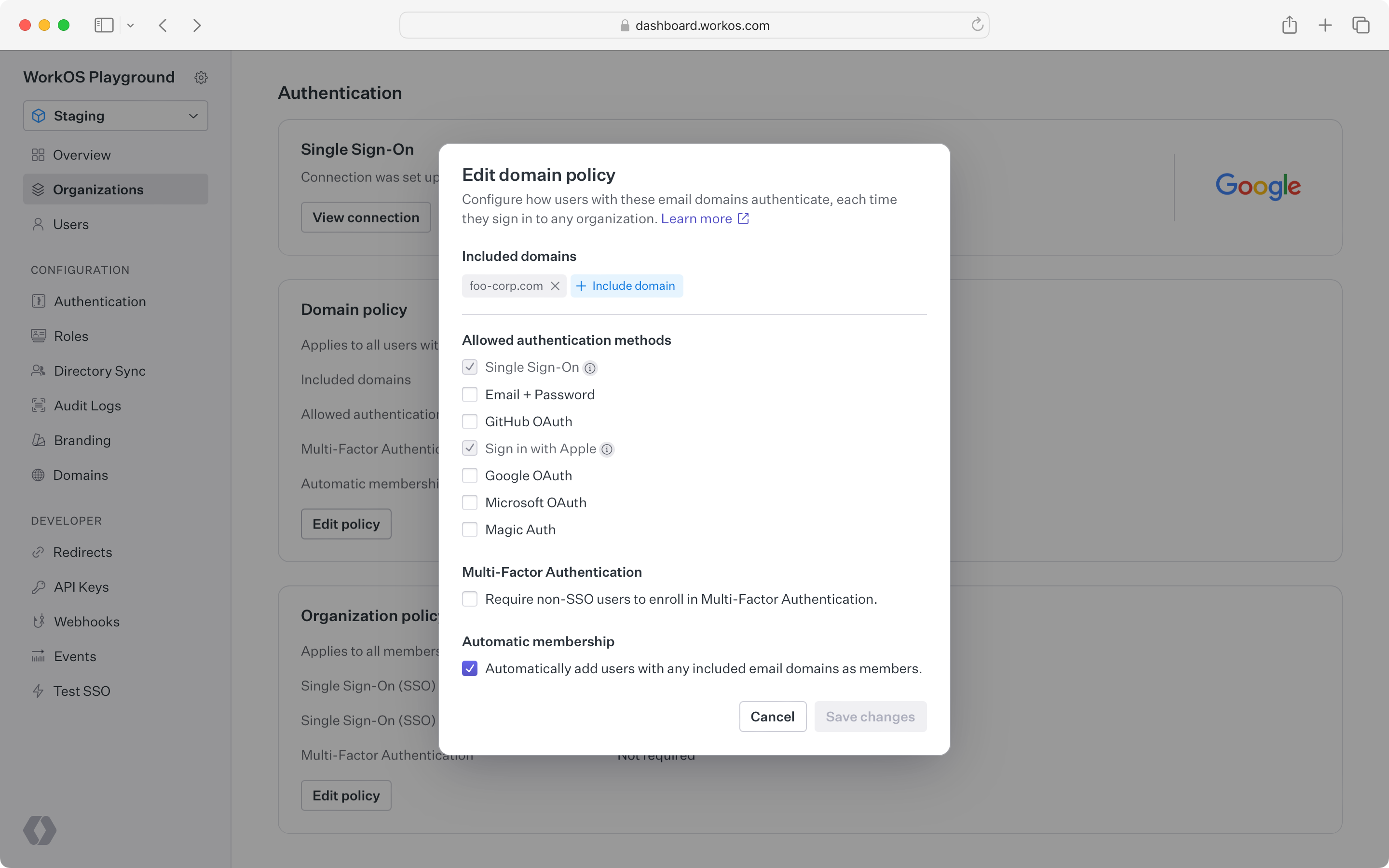
During sign-in, WorkOS detects when a user’s email domain matches a verified domain of an organization and prompts the user to authenticate through the organization’s IdP. If the user already exists in WorkOS, that existing user is automatically added to the organization. Otherwise, a new user is created and added to the organization.
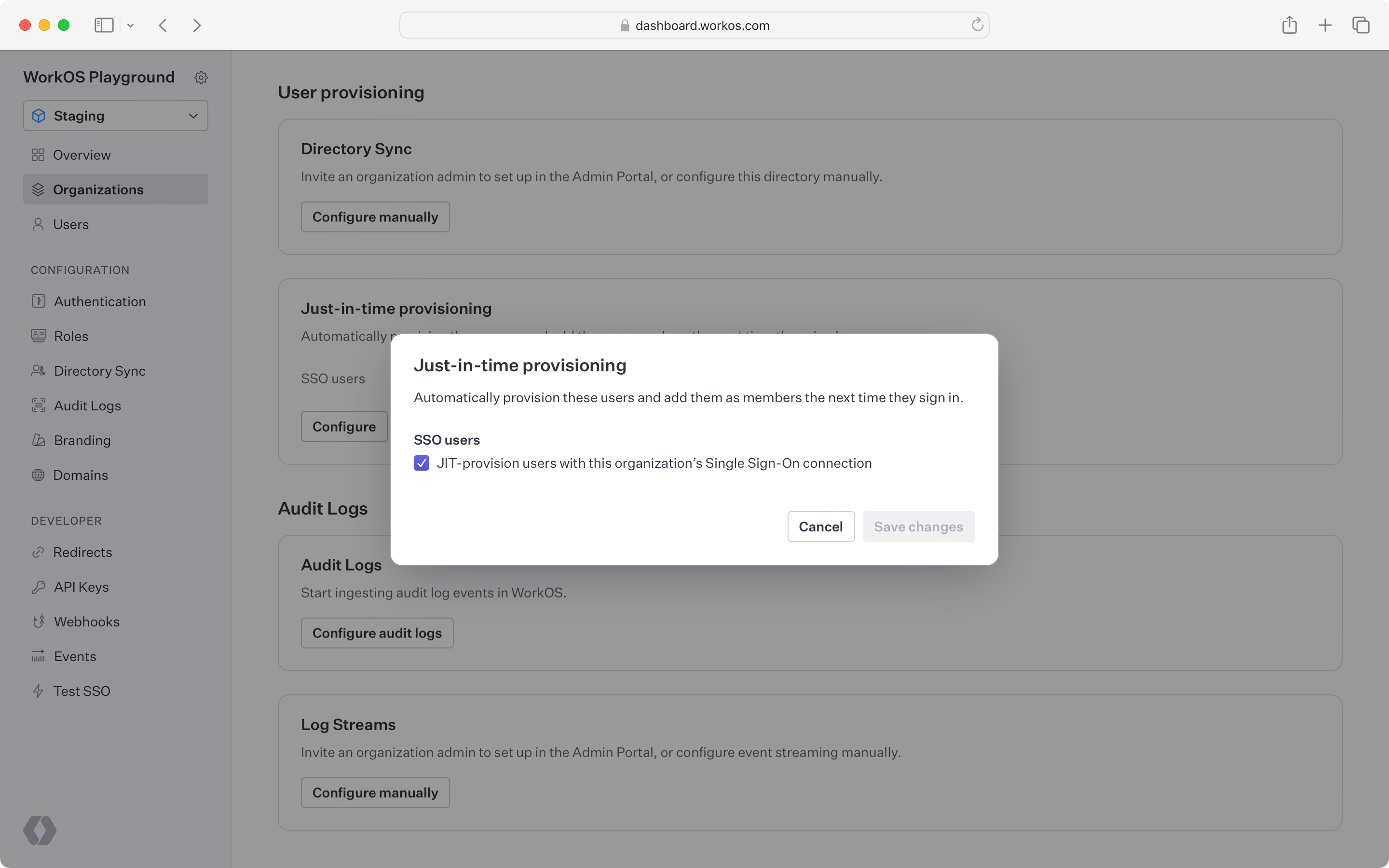
When JIT provisioning creates a membership via SSO, custom attributes from the SSO Profile are made available on the organization membership’s custom_attributes field. These IdP-sourced attributes can then be accessed in the application via the organization membership API or JWT templates.
If a directory is linked to the membership, the directory user’s custom attributes will always take precedence over the SSO profile’s attributes.
SSO JIT provisioning is not fully supported for guests whose email domain has not been verified by the organization.
For example, an IT admin may want to gate all contractor access through their IdP (to enable access revocation across applications), but the contractor may prefer to use their own email address.
In this case, guest users must be invited to join the organization before they are able to sign in with the organization’s IdP.
Both automatic membership by email domain and SSO JIT provisioning are enabled by default but can be disabled in the WorkOS Dashboard.
Disabling these features can be useful when the IT admin prefers to manually control membership through invitations.