Email + Password
Configuring email and password authentication and requirements.
Configure email and password authentication for your application.
In the majority of cases, no additional configuration is required. However, depending on your application’s security requirements, modify the password strength policy as needed.
To modify the password policy, go to the Authentication section of the WorkOS dashboard.
Enable password history to prevent password reuse. When modifying the policy, reject up to 10 of each user’s most recently used previous passwords. Password history is disabled by default.
AuthKit will enforce your policy within the sign up and password reset flows.
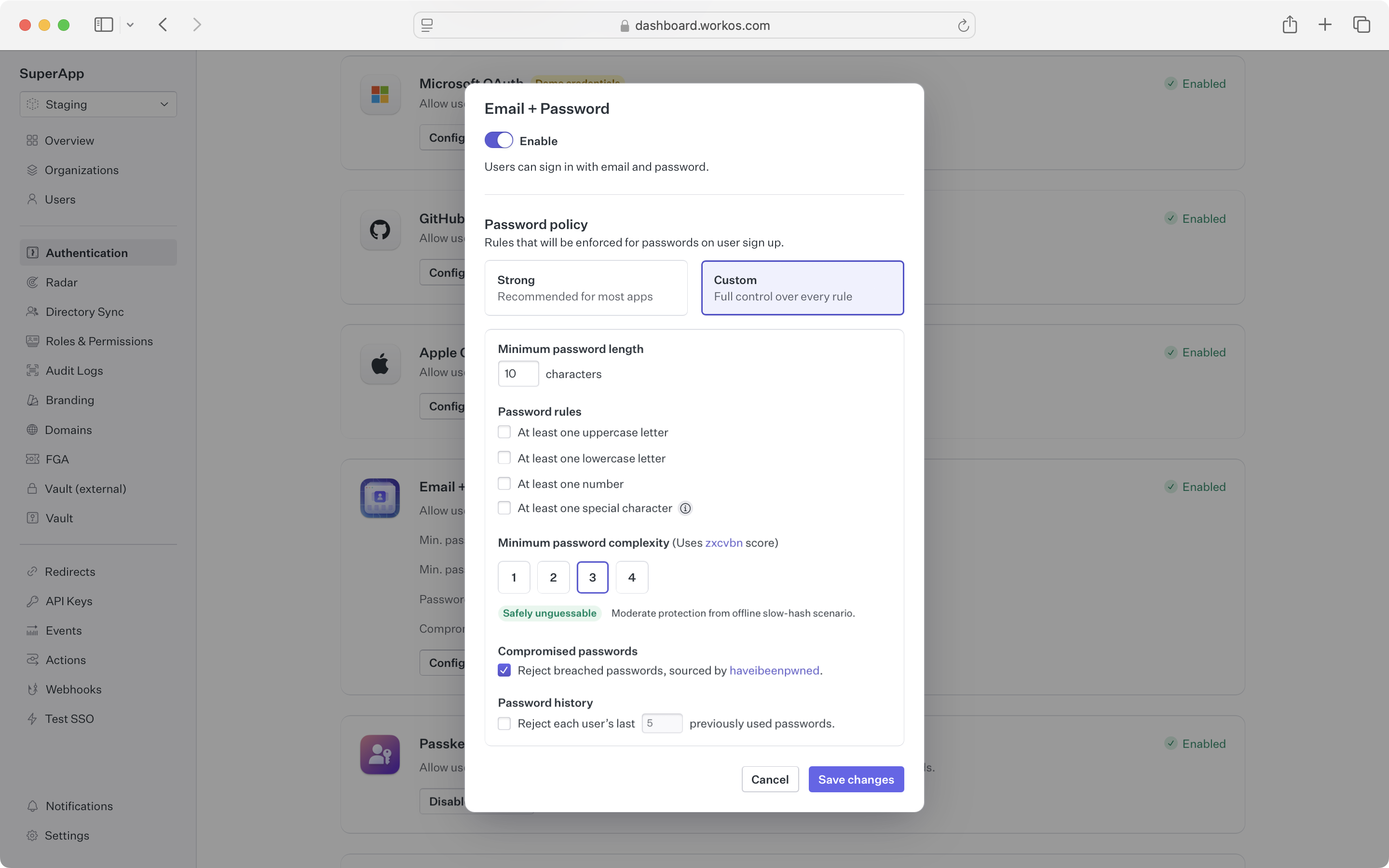
Disabling this method entirely will prevent users from signing up or signing in using a password. This is useful when you want to restrict access to your application to only those users who have been provisioned via SSO.
To build and manage your own authentication UI, use the AuthKit Authentication API.
Examples of building custom UI are available on GitHub.