Configure Sessions
Set session length, token duration, inactivity timeout, and sign-out redirects.
Configure how sessions work in the WorkOS dashboard under the Authentication section.
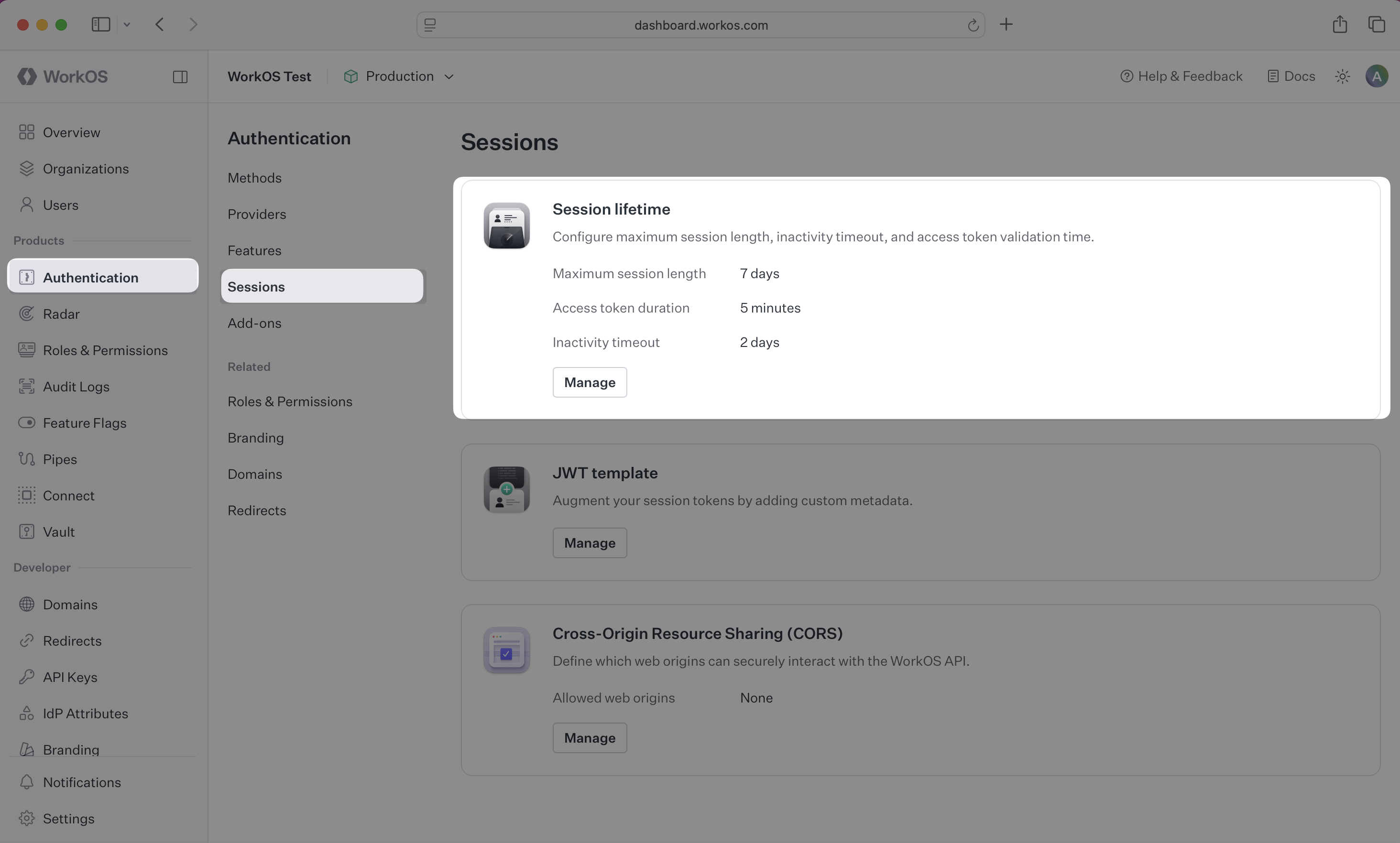
- Maximum session length: The session expires after this length of time. Once expired, the user must sign in again.
- Access token duration: The backend can verify the access token on each request (see Integrating Sessions). Keep the access token duration short so that changes in the session are quickly reflected in your app.
- Inactivity timeout: The session ends if a refresh has not occurred in this length of time. The user must sign in again.
Review the redirect settings in the Redirect section of the dashboard.
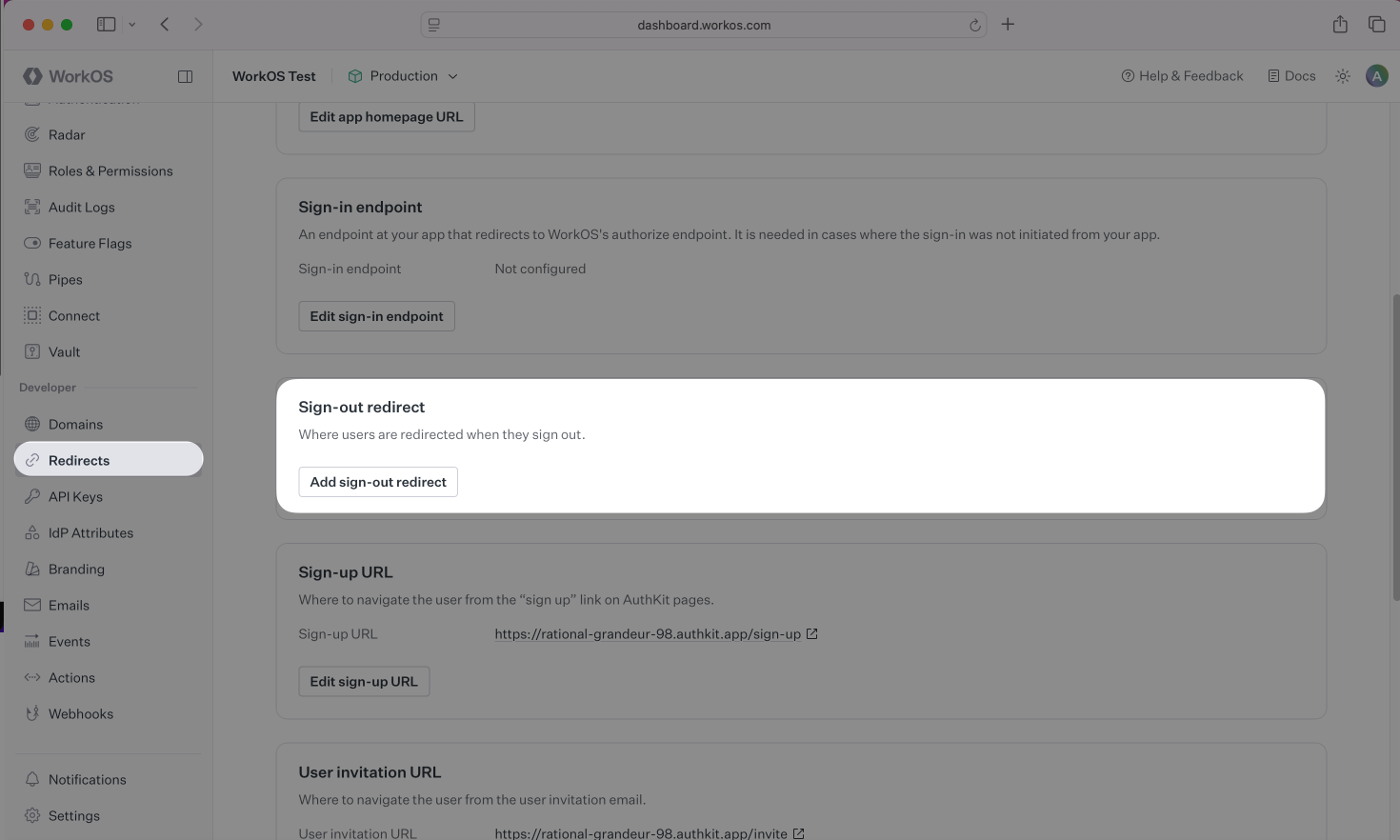
Set a default sign-out redirect, which is the location users are redirected to after their session has been ended. Non-default sign-out redirects can be used as values to the return_to parameter of the Logout API to dynamically choose the final logout redirect location.
WorkOS supports using wildcard characters (*) in sign-out redirects to handle dynamic subdomains or variable ports during development.
The * symbol can be used as a wildcard for subdomains, subject to the following rules:
- The protocol of the URL must not be
http:in production environments. - The wildcard must be located in the subdomain furthest from the root domain (e.g.,
https://*.sub.example.comwill work, buthttps://sub.*.example.comwill not). - The URL must not contain more than one wildcard.
- A wildcard character may be prefixed and/or suffixed (e.g.,
https://prefix-*-suffix.example.com). - A wildcard will not match across multiple subdomain levels (e.g.,
https://*.example.comwill not matchhttps://sub1.sub2.example.com). - Wildcards cannot be used with public suffix domains (e.g.,
https://*.ngrok-free.appwill not work). - The wildcard matches letters, digits, hyphens, and underscores.
- A URL with a wildcard cannot be set as the default sign-out redirect.
To support RFC 8252 (“OAuth 2.0 for Native Apps”) and local development, a wildcard may be used in place of the port number.
- This is strictly limited to
localhostand loopback IP addresses (e.g.,127.0.0.1). - Example:
http://localhost:*/signed-outis valid.